Add an Integration
To let a process talk to an outside system - Slack, a payment provider, your own API - you add an integration (a connector). This is a quick tour; the full detail lives in Integrations.
Integrations are an admin area, under Integrations in the navigation.
1. Get a connector
You have two options:
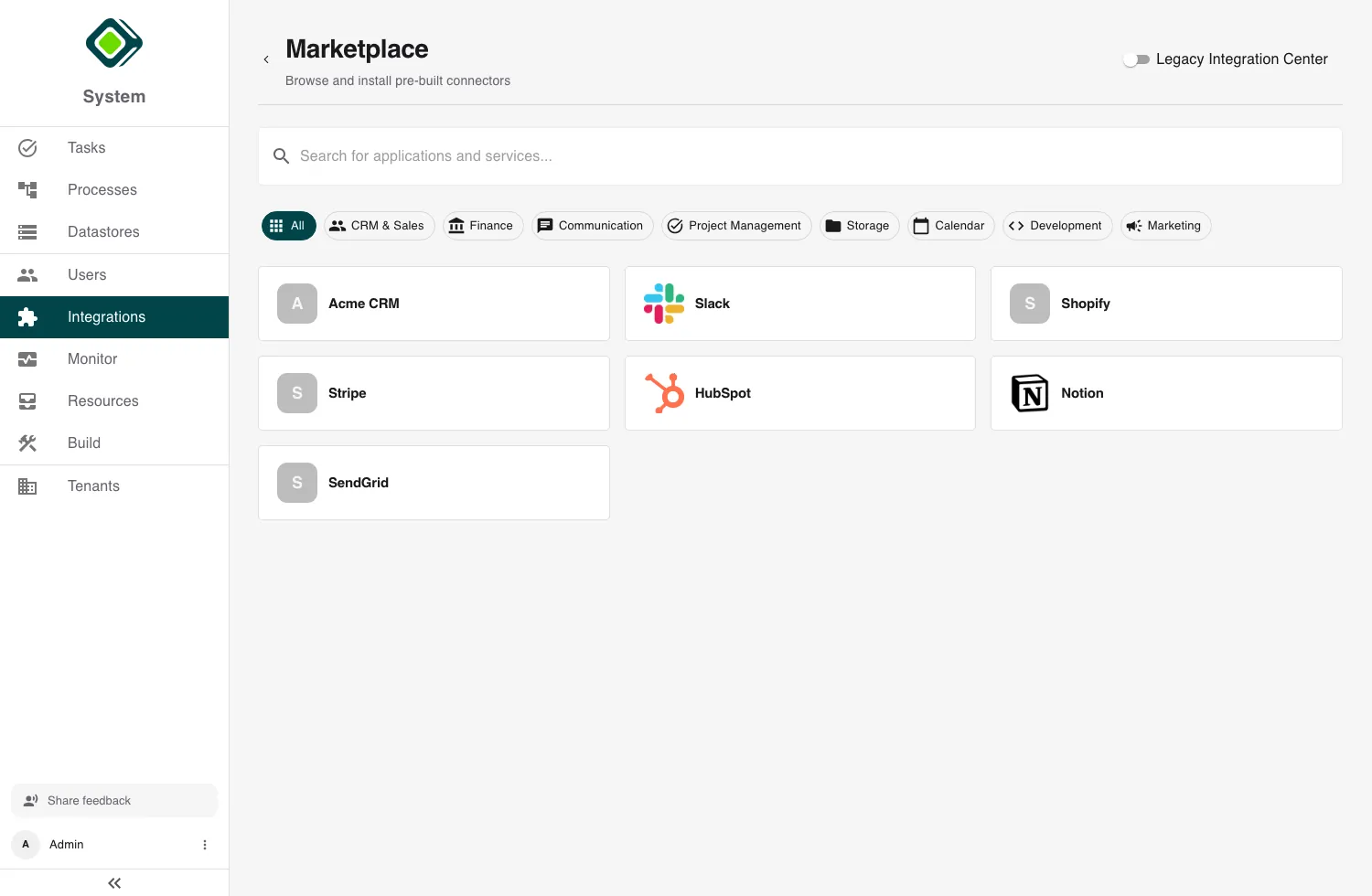
- Marketplace - activate a pre-built connector for a common service. Open Integrations, switch to Marketplace, find the service, and click Add connector. See Marketplace Integrations.
- Build your own - for an in-house or partner API, click Create New and define its base URL, authentication, and API calls. See Building Custom Connectors.
2. Connect an account
On the connector’s detail page, add an account and authenticate it (an API key, or the OAuth consent flow). See Authentication & Credentials.
Note
A connector can hold several accounts - for example production and staging - and one is the default.
3. Use it in a process
In the Builder, add a step, pick Integration, choose the connector and the function to call. The step runs the call as part of your process. See Using Integrations in Processes.
Next, continue with Add a User.
Last updated on