Before you Start
Goals of this document
- Get you acquainted with the metamorphOS user interface
- Explain many of the steps and their potential
- Show examples of solutions to get you into the metamorphOS mindset
- Guide you through the creation of your first metamorphOS process
Navigation Bar
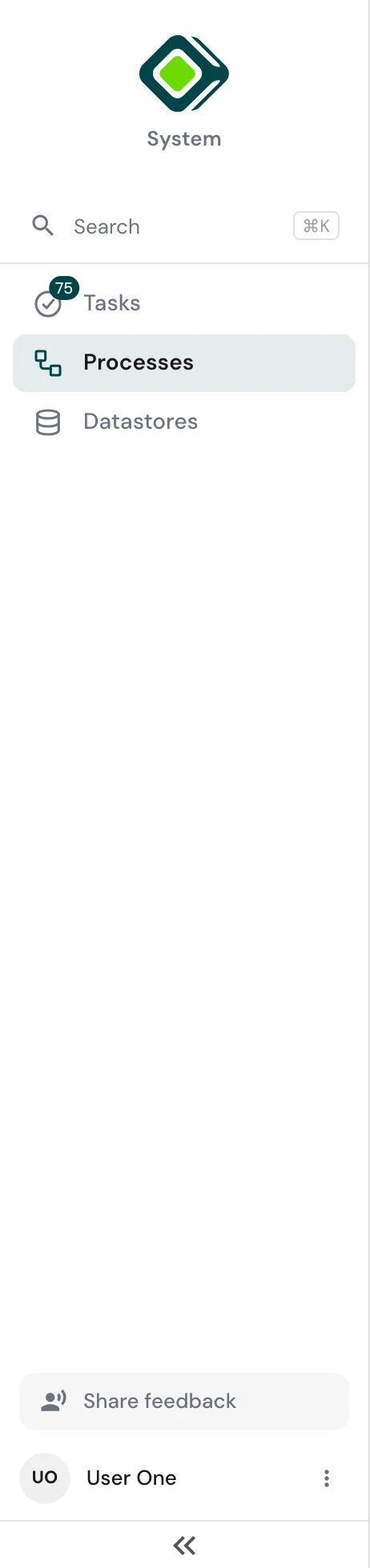
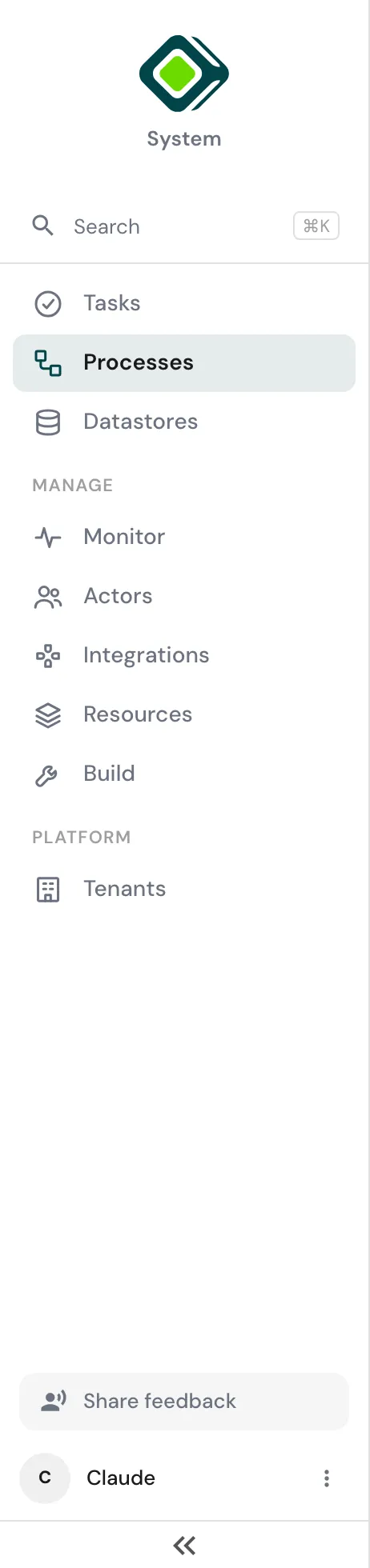
The Navigation Bar sits on the left of the page. It can be collapsed to icons by clicking the « button at the bottom of the Bar.
Search at the top, or Cmd / Ctrl + K from anywhere, reaches processes, tasks, endpoints and people by name.
Everyone sees the same three entries: Tasks, Processes and Datastores.
Below them, a Manage section appears with the entries your platform permissions open: Monitor, Actors (people, agents and permissions - see Users), Integrations, Resources and Build. Someone holding none of the six sees no Manage section at all; an Admin sees every entry.
A Platform section with Tenants appears only for Admins of the platform workspace.
Everyone can reach the Account Settings Screen by clicking their name at the bottom of the Bar. The ⋮ beside it also switches workspace, opens Help, and logs out.