Introducing the builder
If you are using metamorphOS for the first time, or in a fresh browser, the builder will not have any process loaded. You will see the following message on the screen:
.051f6719.webp)
In this case click on .d4e725ce.webp) in the Navigation Bar. This takes you to the Resources Screen.
in the Navigation Bar. This takes you to the Resources Screen.
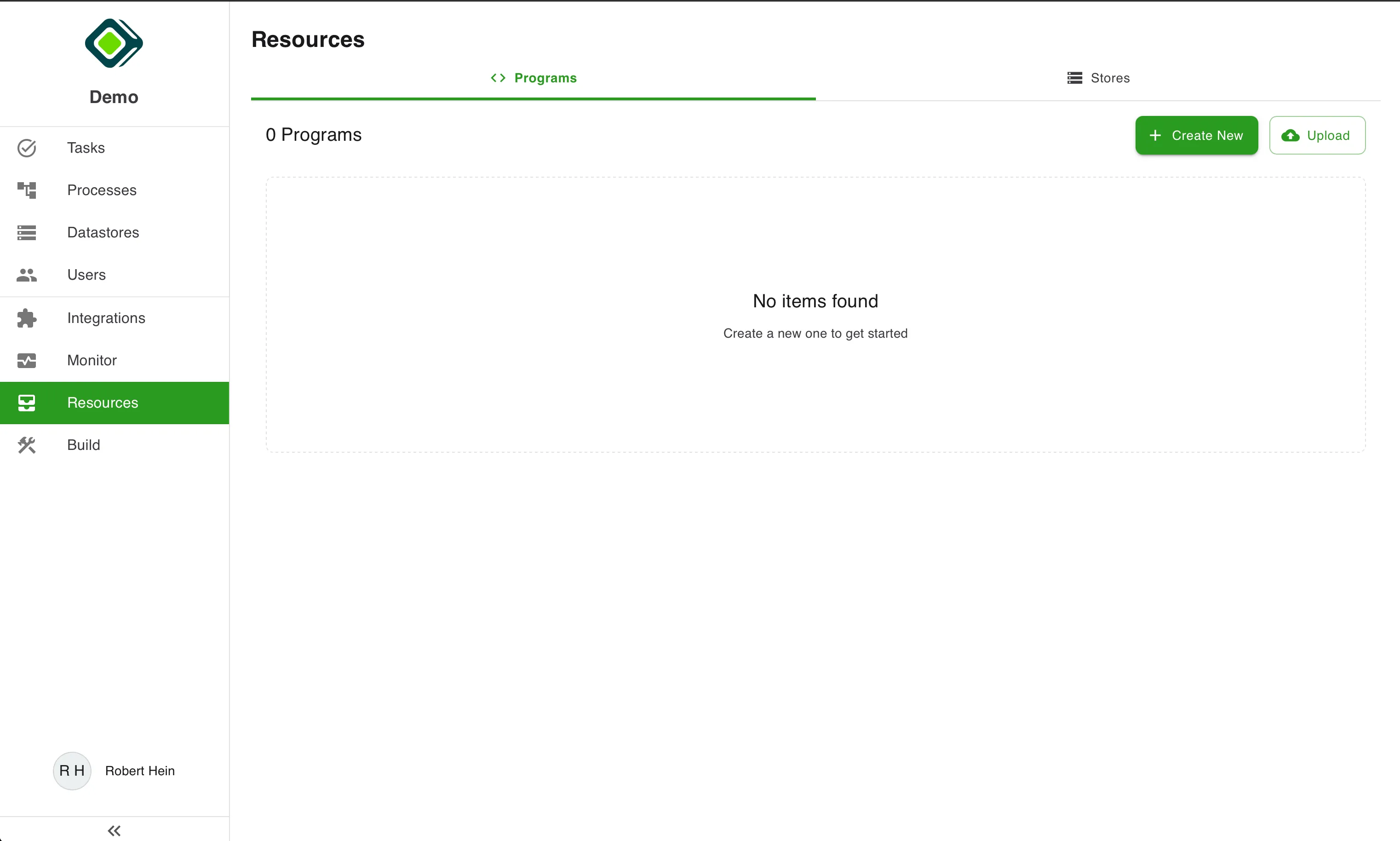
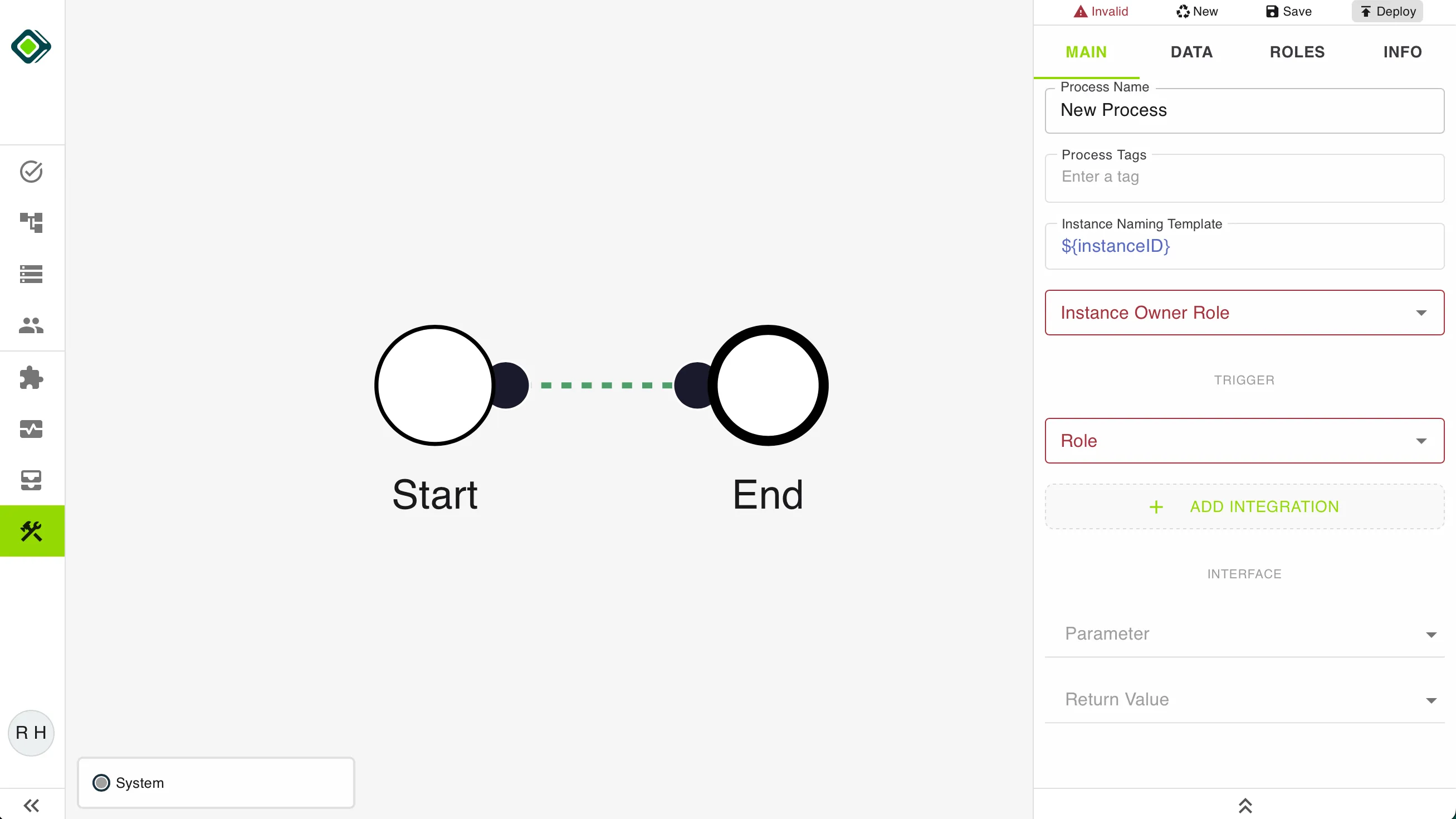
Click on .d284273a.webp) . This will automatically open the Builder with an empty Process.
. This will automatically open the Builder with an empty Process.
Tip
Open the builder by clicking the tools icon at the bottom of the navigation menu.
If you are new to metamorphOS please check out these articles before continuing:
Last updated on