Datastores
A datastore is a table metamorphOS keeps for you - structured data your processes read and write: customers, products, price lists, lookup values, anything your workflows need to remember.
Everyone can open datastores and edit entries (subject to access rules). Creating a datastore and defining its schema is an admin task.
The overview
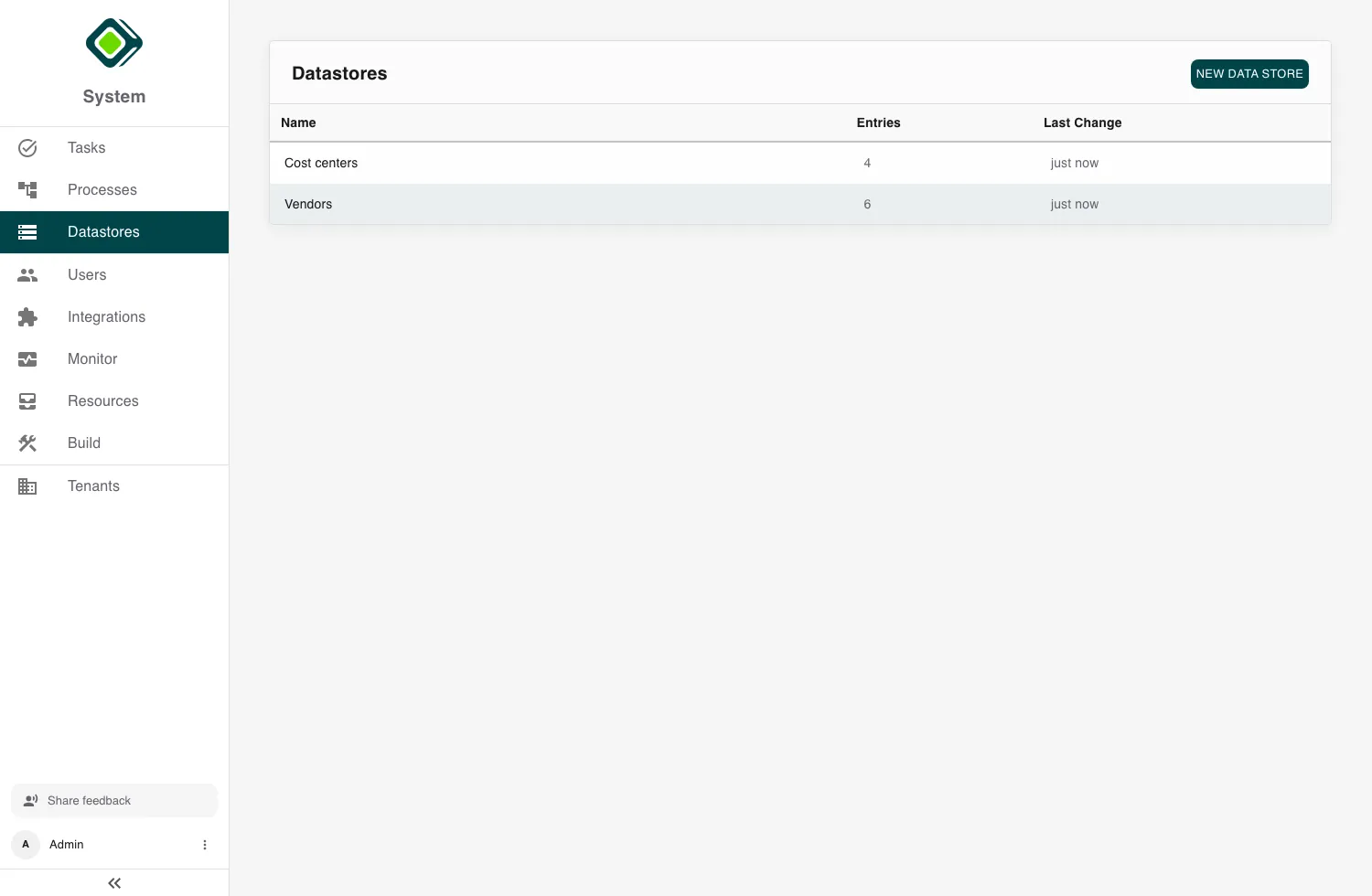
The Datastores list shows each store’s Name, its number of Entries, and when it was last changed. Open one to see its data. Admins also get New Data Store to create one.
Editing entries
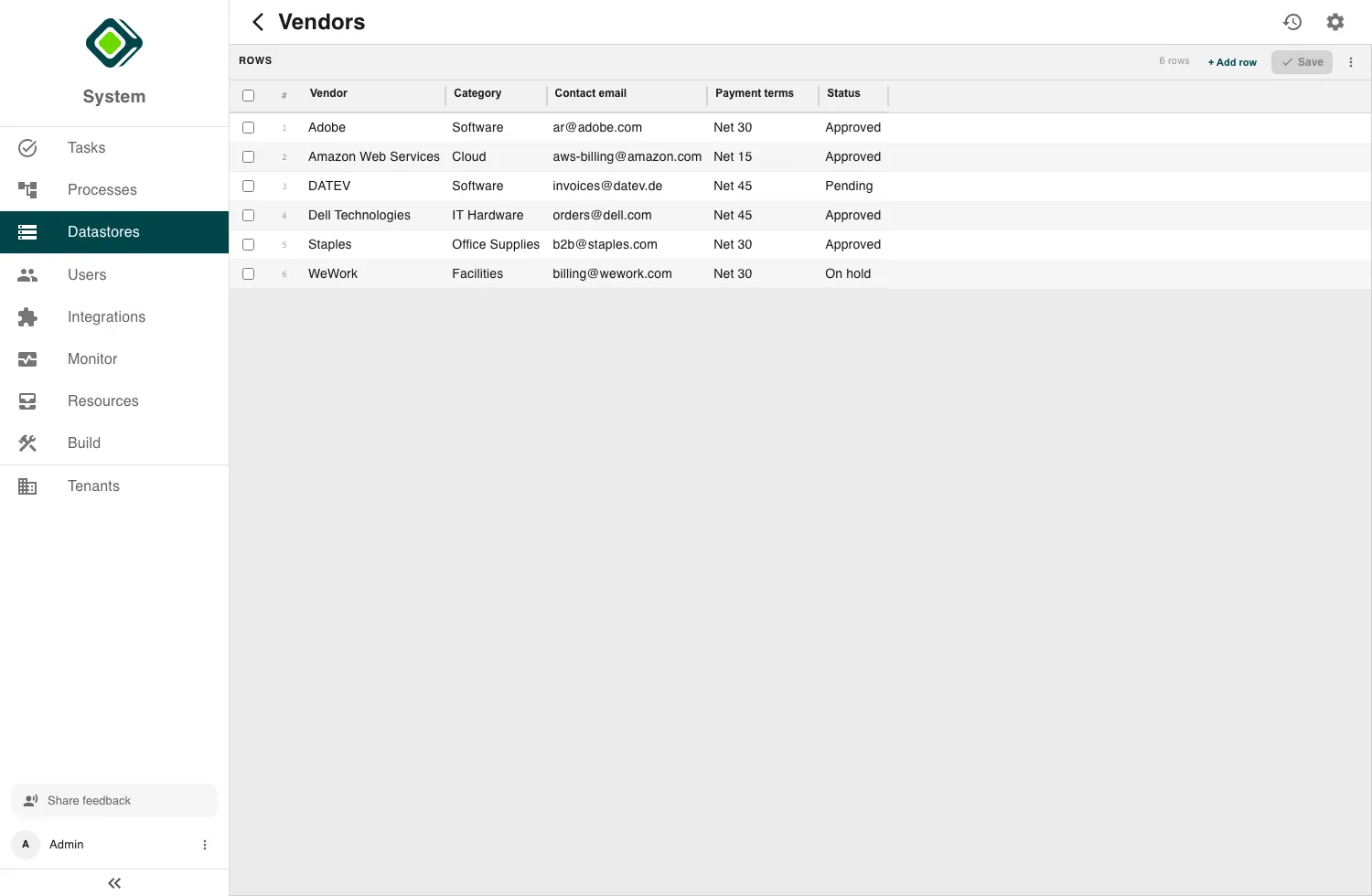
A datastore opens as an editable grid - one row per entry, one column per field, like a spreadsheet. Edit cells directly.
- Save writes your changes. metamorphOS first shows you a review of what changed so you can confirm before committing.
- History opens the store’s change record.
- The settings (gear) icon opens the schema editor (admins).
If you try to leave with unsaved edits, metamorphOS warns you first (Unsaved Changes). Required fields and unique identifiers are validated on save, so a missing or duplicate value is caught before it’s written.
Defining a datastore (admin)
The schema editor is where an admin shapes a datastore:
- Name and Description.
- Identifier Configuration - which field uniquely identifies an entry, and an optional Auto ID that generates identifiers for you (a prefix plus a running number).
- Field Definitions - the columns and their types.
- Access Control - who can read and write the store.
Save it (or Publish), and it’s ready for entries and for your processes to use.
Datastores are for the platform’s own data. To exchange data with an outside system, use an integration instead.
Related
- CMS actions - how processes create, read, update, and delete datastore entries.
- Run Script - query datastores from a script step.
- Resources - bundle datastores into packages to move them between workspaces.