Setup Authorizations
Your process is deployed and active. Now decide who can use it and what they can do.
metamorphOS separates two questions (see Roles, Users, Authorizations):
- Authorizations - what someone is allowed to do across the whole workspace (for example Budget Manager, or Admin).
- Roles - who is responsible for a given step inside a process.
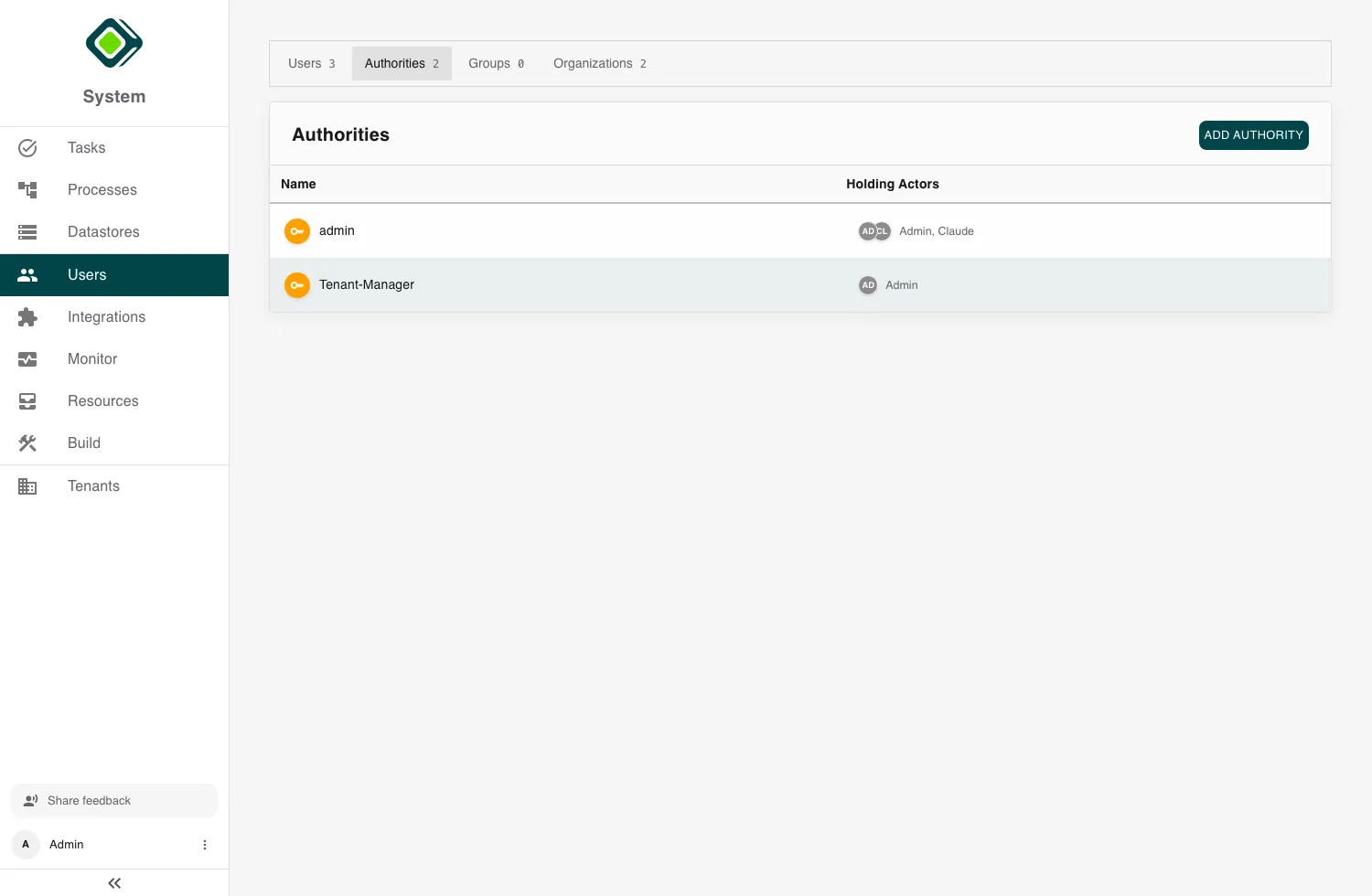
1. Create the authorizations you need
Open Users and switch to the Authorities fold. Use Add Authority to create the permission categories your workspace needs, such as Budget Manager or Reviewer.
Keep them broad and few - an authorization is a category of access, not a per-process setting.
2. Assign authorizations to people
Open a user and add the authorities they should hold. This governs what they can reach across the platform.
Grant Admin sparingly - most people only need to complete tasks and follow processes.
3. Fill the process roles
A process step is assigned to a role; the role is filled by a user or a group. Define roles in the Builder’s Roles tab, then point each role at the right person or team. When the step runs, its task reaches whoever fills that role.
Send a step to a group (for example Reviewers) rather than one named person, and any member can pick the task up.
Next, continue with Add an Integration.