Find Many Data Entries
Find Many Data Entries queries a Datastore by the values of its fields, not by id.
You build a filter, and the step returns every entry that matches - the way you search a table for all rows meeting a condition.
Note
Configure this action in the Builder. See Builder Navigation and Workspace Basics for the surrounding UI.
Configuration
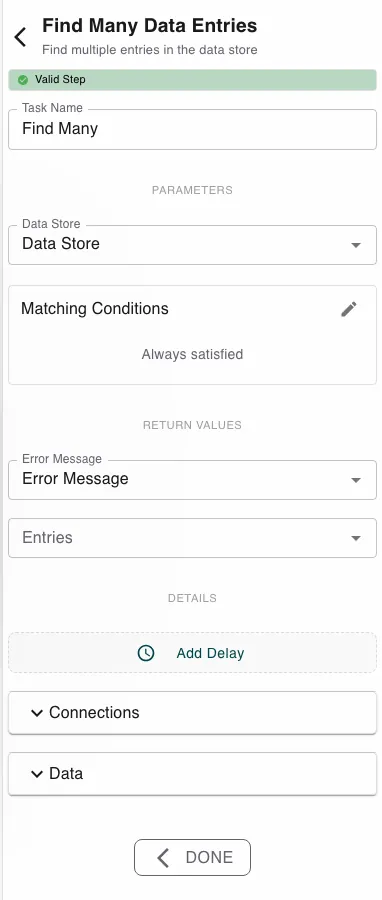
Pick the Data Store, then build the Filter in the condition editor. Its
fields are the datastore’s own fields, so you compose rules like
Status equals Approved or Category equals IT Hardware, and combine them into
groups. The step returns the matching Entries plus an Error Message.
Runtime behavior
Find Many Data Entries runs automatically and returns all matches.
- If nothing matches, it returns an empty list - that is a success, not a failure. Check the result’s length to decide what to do next.
- An empty filter matches everything in the datastore.
- It fails only if no datastore is set or the datastore doesn’t exist.
Best practices
- Filter on indexed, stable fields (like a status or category) for predictable queries.
- Branch on whether the result is empty with Conditional Branching rather than assuming matches exist.
- Know the exact ids already? Get Many Entries is more direct.
Works well with
- Loop over Array - act on each entry the query returned.
- Update Many Entries - bulk-update the records you found.
- Datastores - the datastore and the fields you filter on.
Last updated on