Threshold Voting (Action)
The Threshold Voting action creates a user task for multiple voters.
Use it when a group must approve or reject a decision.
The step finishes as soon as a majority is reached.
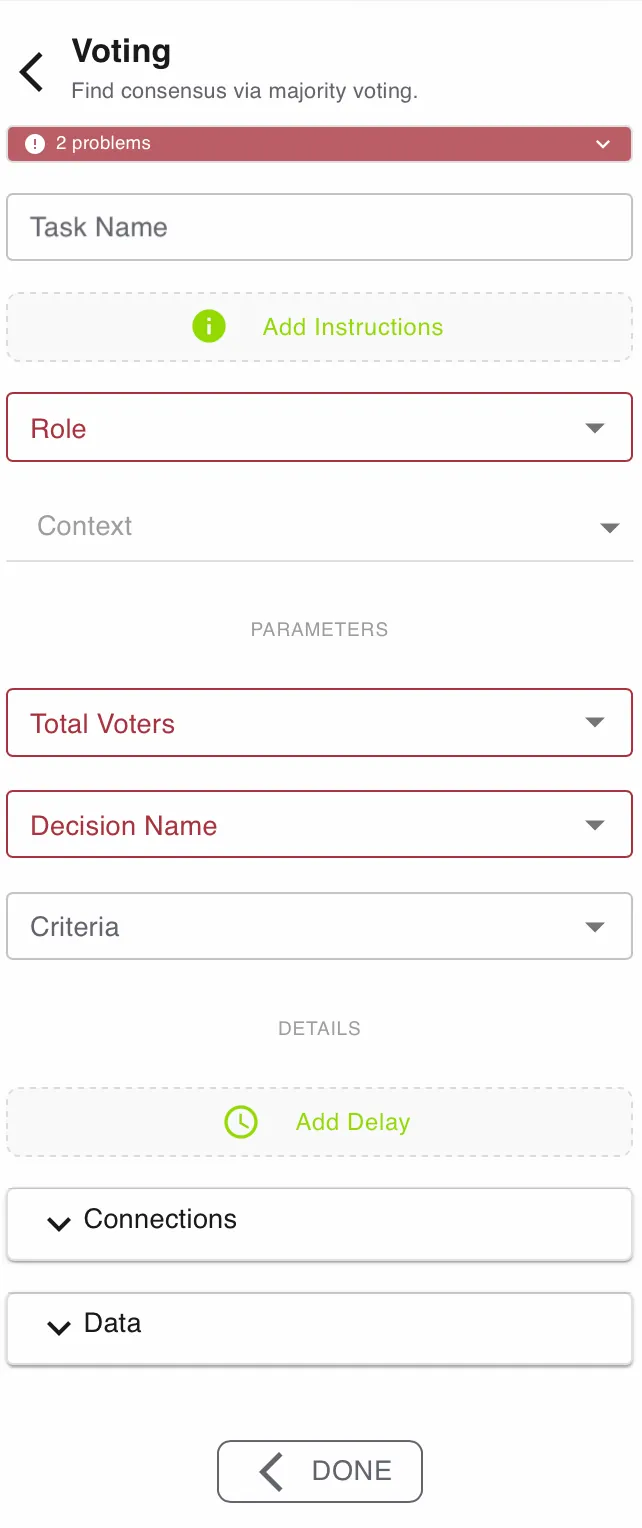
This action is configured in the Builder configurator. See Builder Navigation and Workspace Basics for the surrounding UI.
Status


The current status of the step is shown directly under the Step Type. Specific problems can be seen by expanding the box.
Configuration
Task Name and Add Instructions
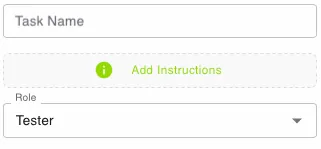
Use Task Name to give the step a clear label.
Use Add Instructions to tell the assigned user what to submit.
Keep both fields specific. Good labels make the task easier to find and complete.
Use Role to define who is responsible for the task.
Roles are configured at process level in the Roles tab.
Context
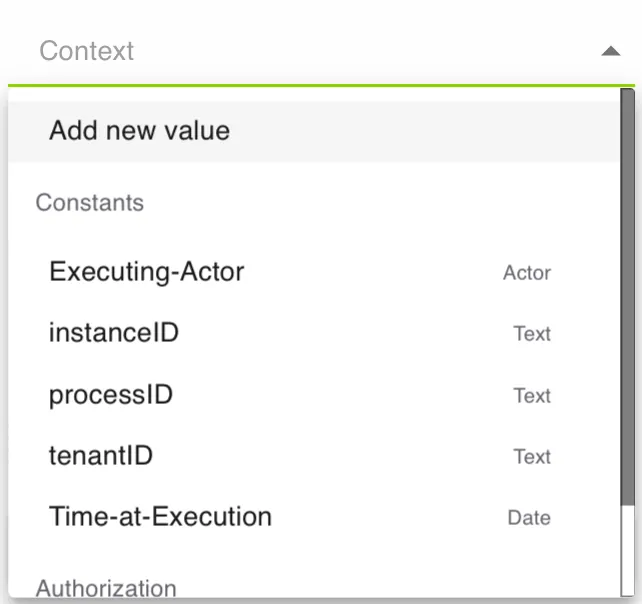
Use Context to pass values into the task.
This can include system values like Executing-Actor and instanceID, or your own symbols.
Voting Settings
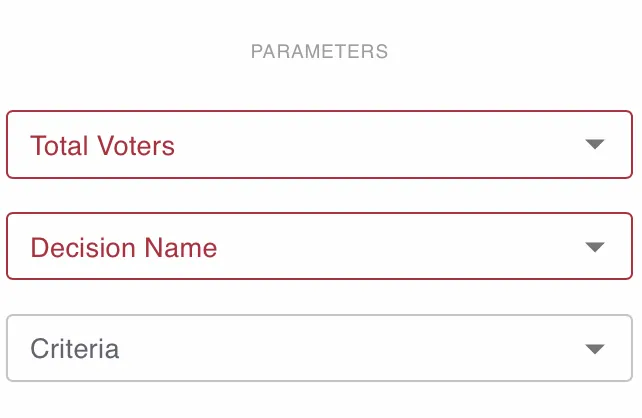
Use Total Voters to define how many votes are expected.
Use Decision Name to state what is being approved or rejected.
Use Criteria to add a ParameterSet with structured assessment fields.
Criteria answers are stored with each individual vote.
Use an odd number for Total Voters when possible. That reduces ties and the undecided outcome.
Details and Delay
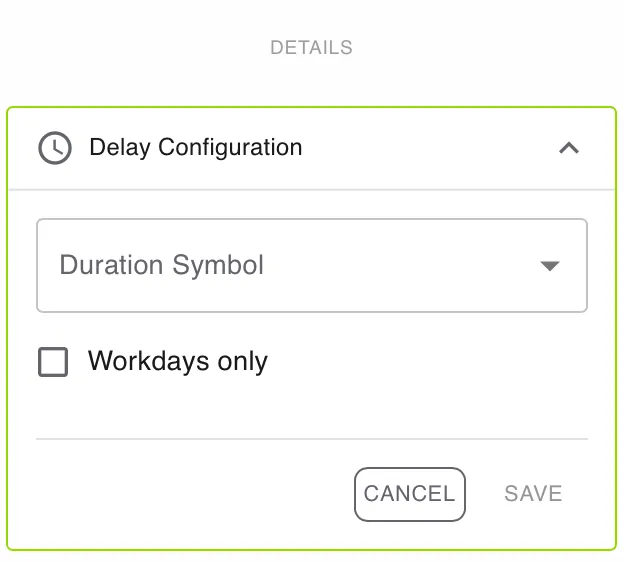
Open DETAILS for advanced settings.
Use Add Delay if the task should become active later.
Enable Workdays only if the delay should ignore weekends and non-working days.
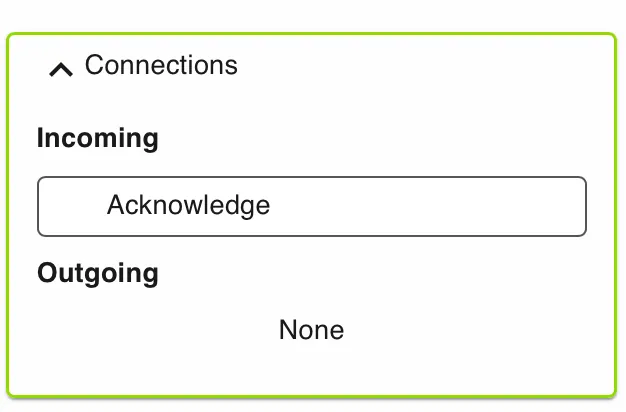
Connections
Use Connections to review incoming and outgoing links for this step.
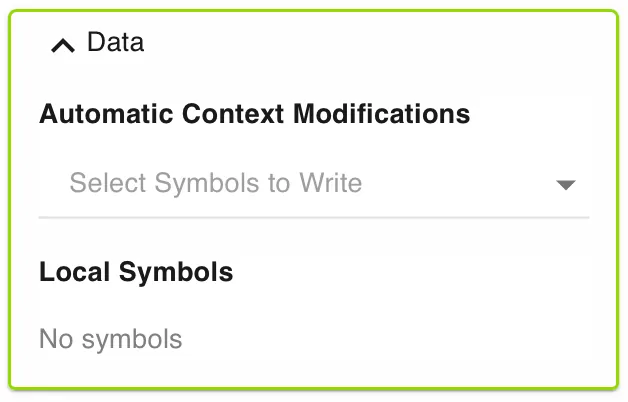
Data
Use Data to manage automatic context modifications and local symbols.
Automatic context modifications update process values when the task is completed.
Local symbols store step-specific values that are only relevant inside this action.
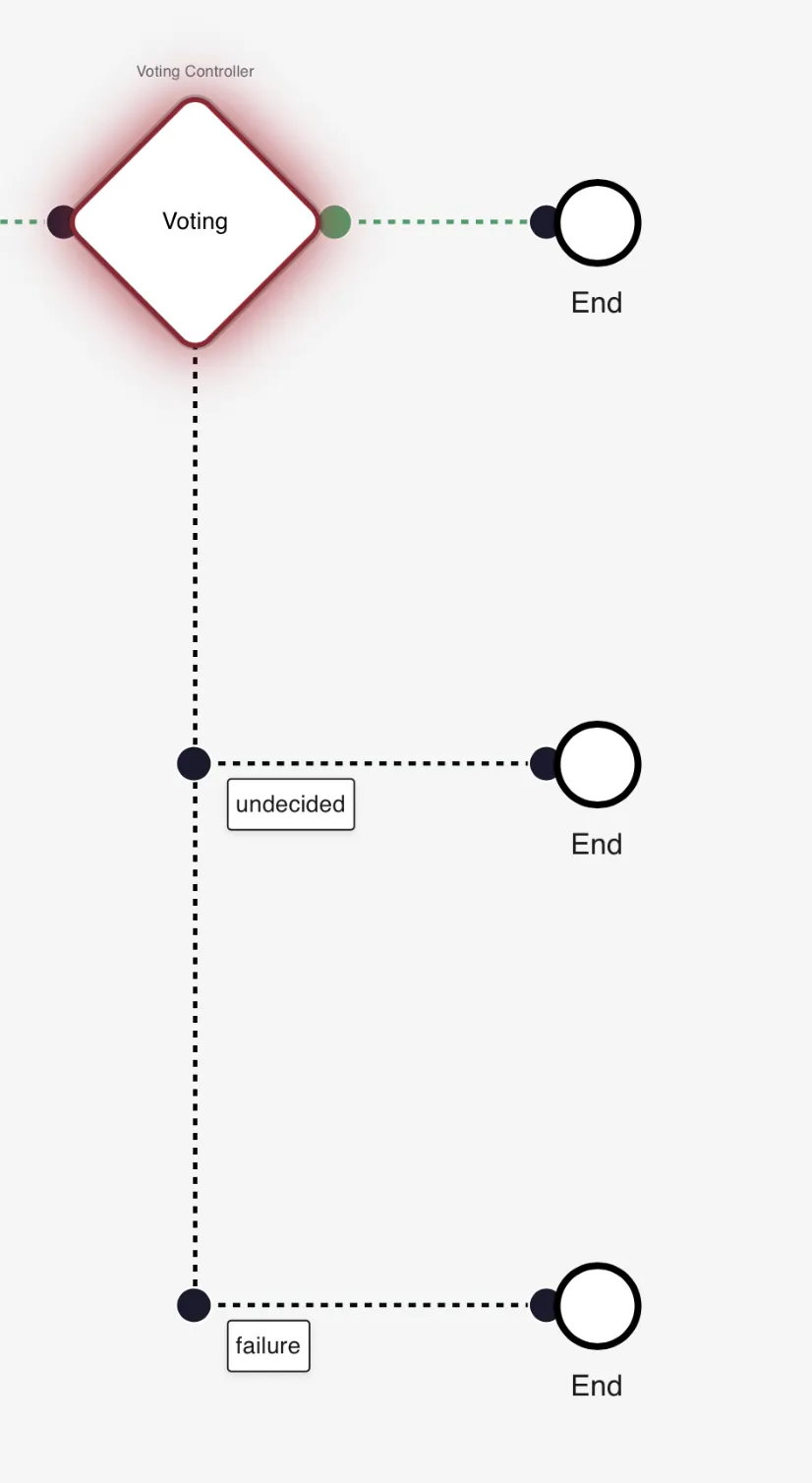
Engine behavior
- The step uses a simple majority rule:
Math.floor(Total Voters / 2) + 1. - The vote ends early when approval or rejection reaches that majority.
- Outgoing paths map to
success,failure, orundecided. undecidedcan occur when the final result is tied.
Use cases
Threshold Voting works well when several people must reach a shared decision before the process can continue.
- Board approvals: Approve or reject a budget, project, or exception.
- Hiring decisions: Let interviewers vote after structured evaluation.
- Policy ratification: Confirm whether a team accepts a new policy or standard.
Works well with
- Review steps before the final vote.
- Conditional Branching or Match Case to route by result.
- Notification steps to alert voters and stakeholders.