Document Processing (Actions)
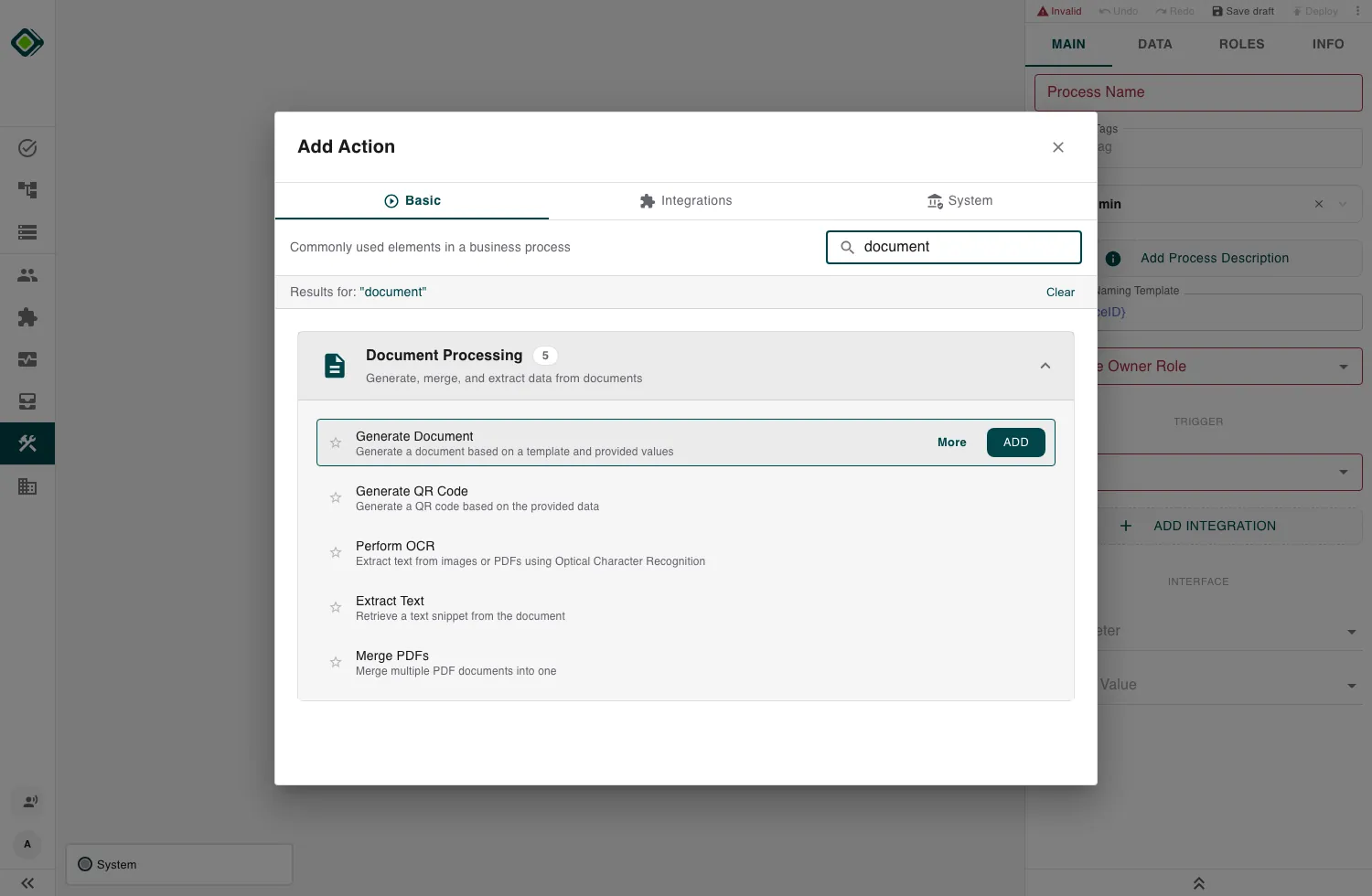
These actions let a process produce and read documents: render a PDF from a template, encode a QR code, merge PDFs into one, recognise text in a scan, and pull a specific value out of text.
Most of them take a file in or hand a file back, so they slot together with the rest of your process through file values.
Note
Configure these actions in the Builder. See Builder Navigation and Workspace Basics for the surrounding UI.
The actions
| Action | In | Out |
|---|---|---|
| Generate Document | A template + process values | A PDF |
| Generate QR Code | Text or a URL | A QR code image |
| Merge PDFs | Several PDFs | One combined PDF |
| Perform OCR | An image or PDF | The recognised text |
| Extract Text | Text + a pattern | The matched snippet |
Reading a document: OCR then Extract Text
These two are often confused but do different jobs, and work best together:
- Perform OCR turns an image or scanned PDF into text. Use it when a document has no machine-readable text (a photo, a scan).
- Extract Text runs a pattern over text you already have and returns the part that matches. It doesn’t read files.
The common pipeline is Perform OCR (file to text) followed by Extract Text (text plus a pattern to the value you want, like an invoice number).
Related
- Document Templates - author the templates that Generate Document renders.
- Run Script - post-process extracted text or build inputs in code.
- Datastores - store the values you pull out of documents.
Last updated on