Update Entry
Update Entry writes changes to a single record in a Datastore.
It’s an upsert: if an entry with that id exists it’s updated, and if it doesn’t, it’s created.
Note
Configure this action in the Builder. See Builder Navigation and Workspace Basics for the surrounding UI.
Configuration
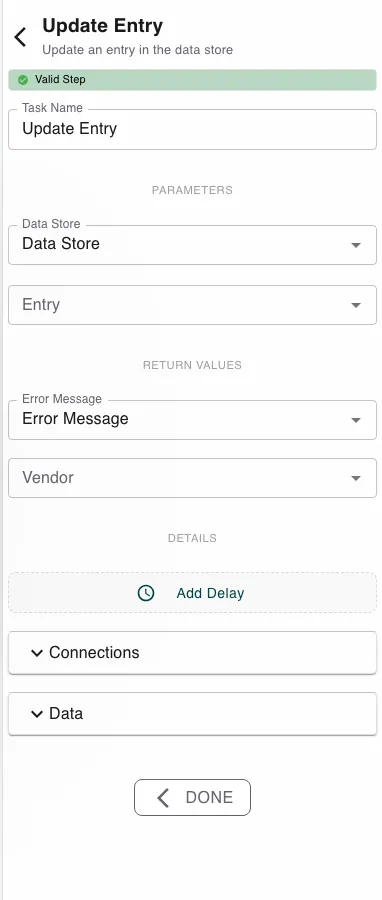
Pick the Data Store, then Expand the entry and set the fields you want to write, mapping process values into them. Include the identifier of the record to change.
The step returns the affected Entry ID and an Error Message.
Runtime behavior
Update Entry runs automatically and writes one record.
- If an entry with the given id exists, it’s updated; if not, a new entry is created (with an assigned id when Auto ID is on).
- Fields outside the datastore schema are ignored.
- It fails if no datastore is set, the datastore doesn’t exist, or Auto ID is off and no id was supplied.
Tip
To change values without risking a create, Get Entry first (which fails on a missing id), then Update Entry.
Best practices
- Supply only the fields you intend to change, plus the id.
- Updating many records? Use Update Many Entries.
Works well with
- Get Entry - read the current values before writing changes.
- Datastores - the datastore, its identifier, and Auto ID.
- Submit Information - collect the edits from a person.
Last updated on