Push to Array
Push to Array appends an item to the end of an array.
It writes the result back to the same array symbol, so later steps see the updated array.
Use it to accumulate values across a process - collecting results inside a loop, building up a list before a later step consumes it.
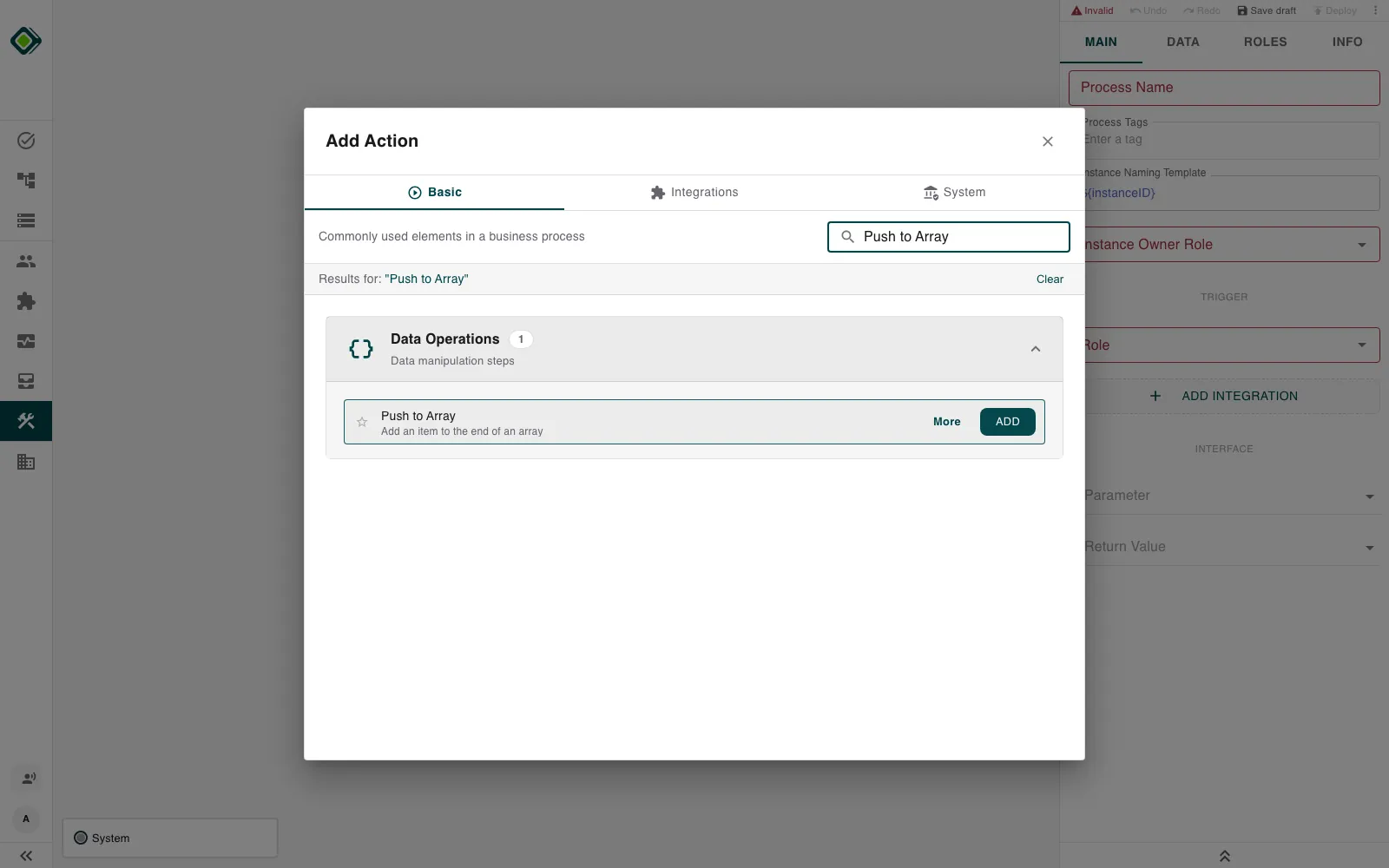
Configure this action in the Builder. See Builder Navigation and Workspace Basics for the surrounding UI.
Status
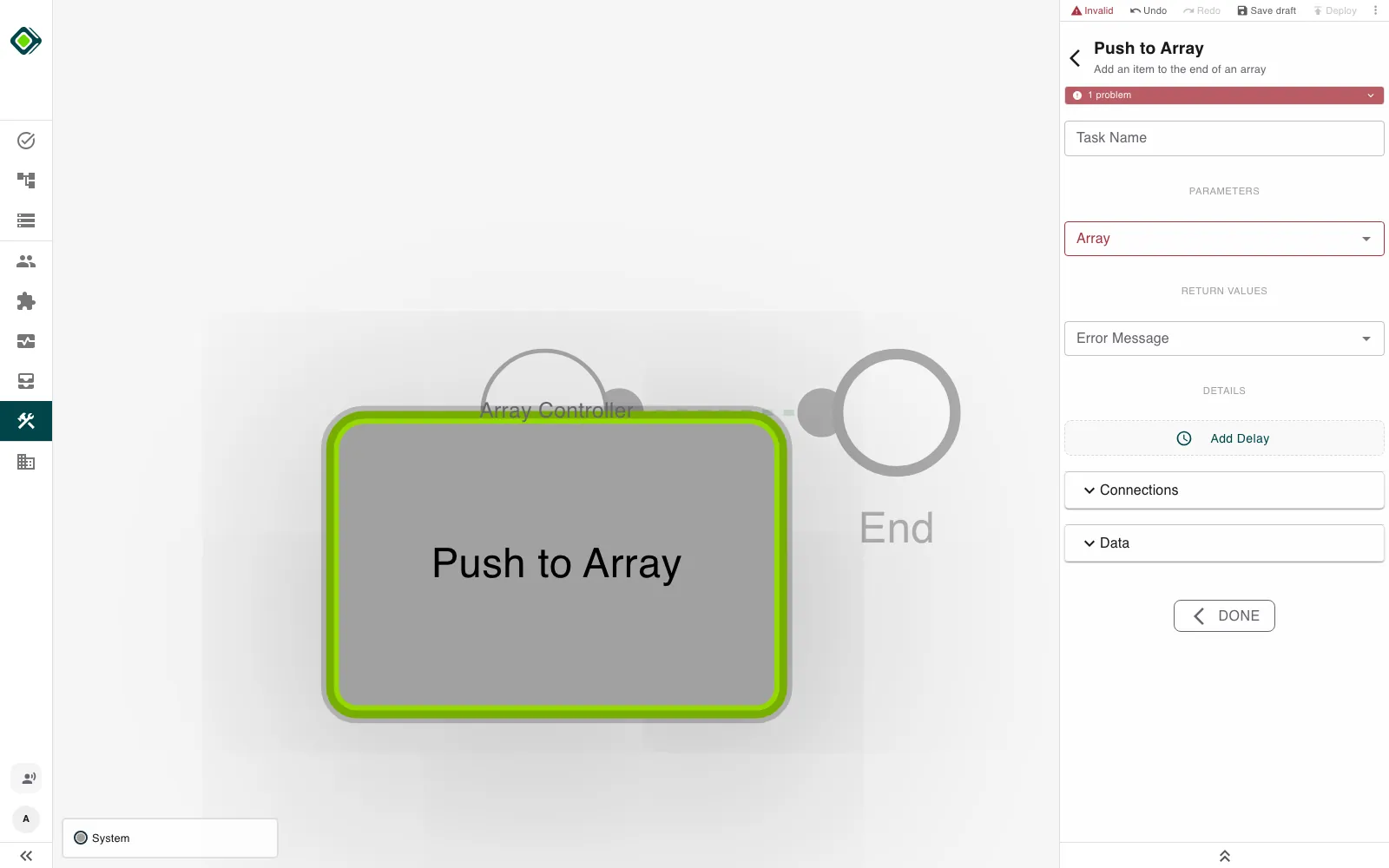
The step stays Invalid - the inspector shows 1 problem - until you select
an array to modify. Expand the problem box to see what is missing.
Configuration
Set the Array parameter to the array symbol you want to modify. The item is appended to the end of this array, and the array is written back to the same symbol.
The item to append is the value you map into the step. It can be any symbol type, but it should match the array’s element type so the array stays consistent. Wire it through the Data section - see Builder Navigation.
Under RETURN VALUES, the step exposes an Error Message symbol you can read downstream.
Runtime behavior
Push to Array runs automatically.
It does not wait for user input.
The engine appends the Item to the end of the Array and stores the new array back on the same symbol.
Push to Array has no logical branch of its own - its normal outcome is success. Like any step, it can still be error-handled: connect an error path to catch an unexpected runtime failure. See Error Handling.
If the Item is itself an array, its elements are spread into the target -
they are concatenated, not nested. Pushing [3, 4] onto [1, 2] produces
[1, 2, 3, 4], not [1, 2, [3, 4]]. To store an array as a single nested
element, wrap it in an outer array first.
Best practices
Keep the array’s element type and the pushed item type aligned.
Reset or initialise the array before a loop if you need to start from empty - see Reset Variables.
Make sure the source item is populated before the step runs. If the step is on a critical path, connect an error path to catch unexpected runtime failures.
Use cases
- Collecting loop results: Append each iteration’s output to a results array inside Loop over Array.
- Building a list for export: Accumulate rows, then hand the array to Create CSV.
- Aggregating across branches: Gather values from different paths into a single array before a merge.
Works well with
- Loop over Array to push one item per iteration.
- Create CSV to turn the assembled array into a file.
- Reset Variables to clear the array before reuse.