Match Case
Match Case routes execution to one of several branches.
It compares one selected value against a predefined list of options.
Use it when one input must map to exactly one outcome.
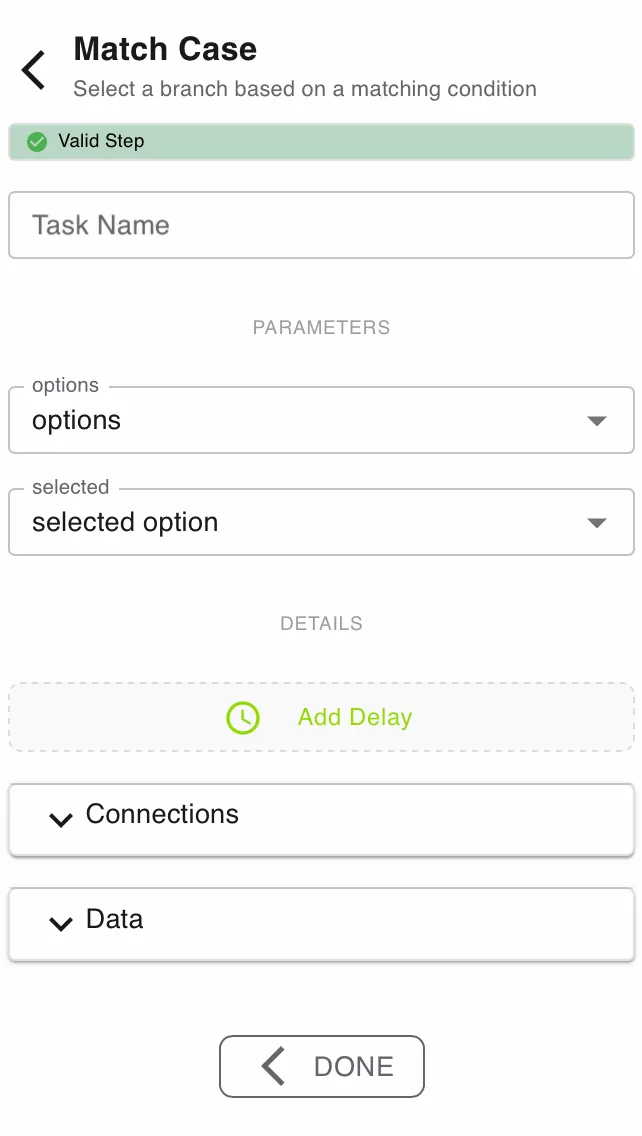
Configure this action in the Builder. See Builder Navigation and Workspace Basics for the surrounding UI.
Status


The current status of the step is shown directly under the Step Type. Specific problems can be seen by expanding the box.
Configuration
Parameters
Set Options to the array symbol that contains the allowed case values.
- This field is required.
- Each entry in the array represents one possible branch.
- Keep the option values stable when other steps depend on them.
Set Selected to the value you want to evaluate.
- This field is required.
- The value can come from a symbol or a fixed text value.
- It must exactly match one entry in Options for the matching branch to run.
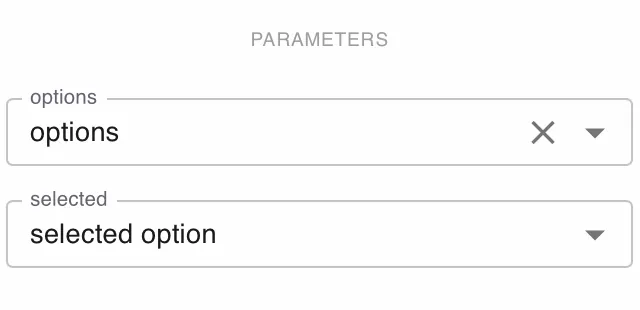
To avoid failures, define the symbol containing the selected option as a select from options
Always connect a failure path. It handles values that do not exist in Options.
Details and Delay
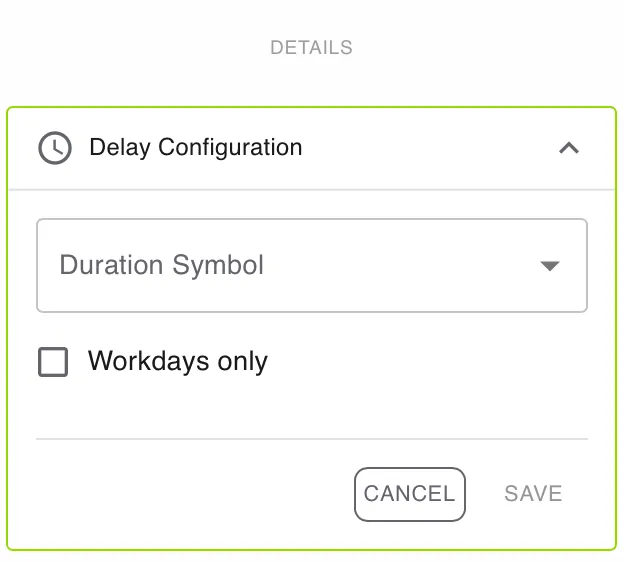
Open DETAILS for advanced settings.
Use Add Delay if the task should become active later.
Enable Workdays only if the delay should ignore weekends and non-working days.
Connections
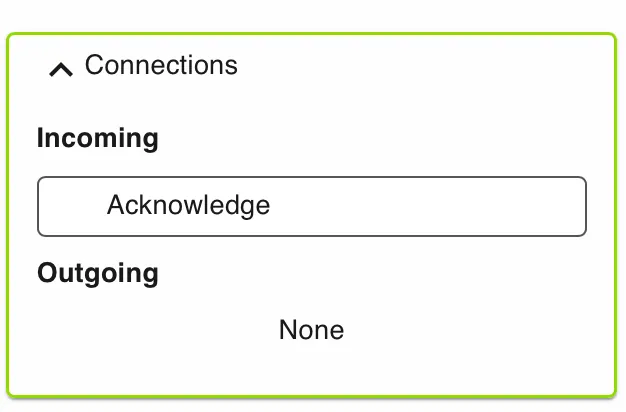
Use Connections to review incoming and outgoing links for this step.
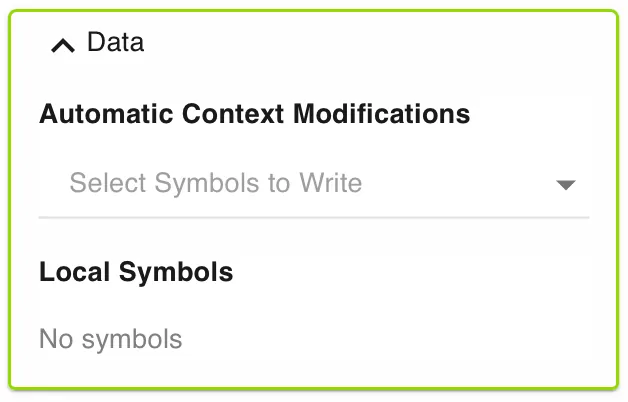
Data
Use Data to manage automatic context modifications and local symbols.
Automatic context modifications update process values when the task is completed.
Local symbols store step-specific values that are only relevant inside this action.
Runtime behavior
Match Case runs automatically.
It does not wait for user input.
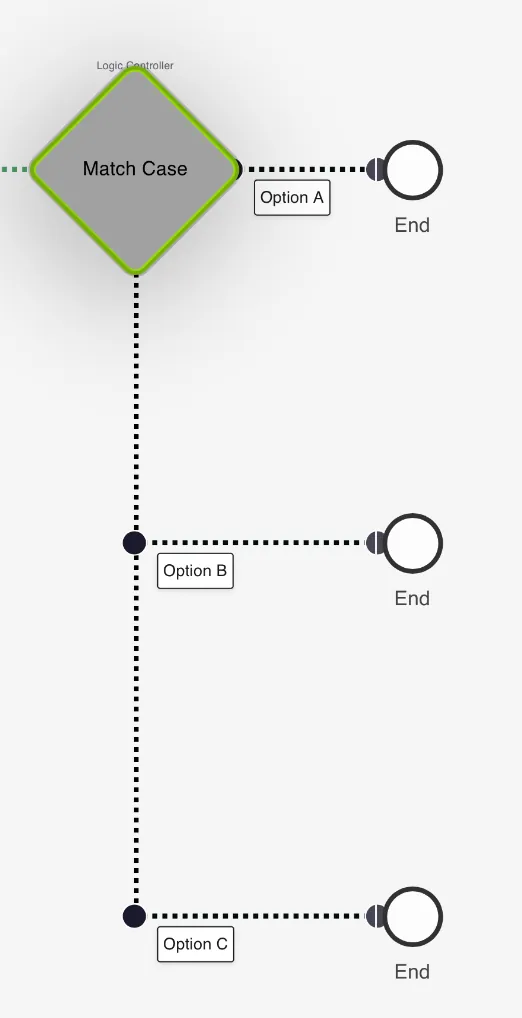
The engine compares Selected against Options in order.
If it finds a match, it emits a status in the format index-value.
That status is used to route execution down the matching branch.
If no match is found, the step emits failure.
Best practices
Use controlled input values whenever possible. The selected option symbol should be a select from the options.
Keep option values short and predictable.
Avoid manual text entry when an earlier step can return a fixed selection.
Always add a failure branch for unexpected values. O
Use Conditional Branching instead when you only need a true or false split.
Use cases
Match Case works well for multi-path routing.
- Support routing: Send tickets to Billing, Technical, or Sales.
- Approval tiers: Route requests by department or risk level.
- Language flows: Branch communication steps by language selection.
Works well with
- Submit Information (Action) to collect a controlled selection value.
- Conditional Branching when a later step still needs a binary decision.
- Deciding between Conditional Branching and Match Case for design guidance.