Loop over CSV
Loop over CSV reads a CSV file row by row.
Each row is written into selected output symbols.
Use it for bulk processing, imports, and row-based branching.
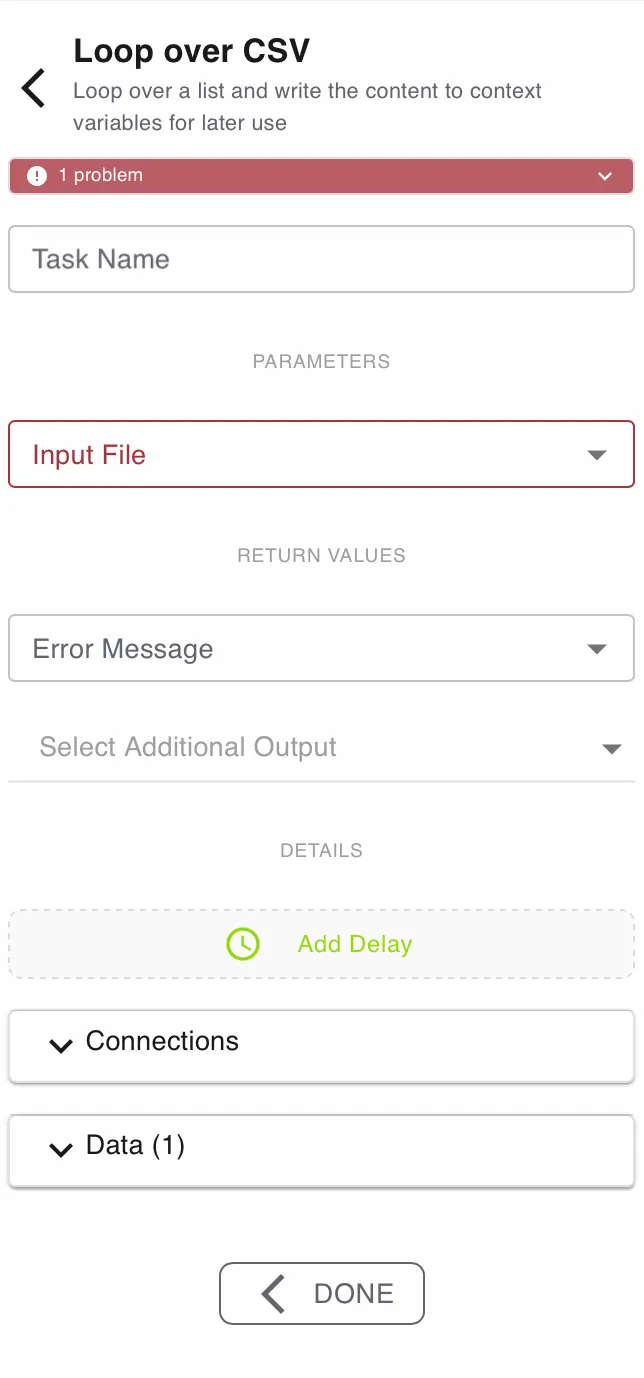
Configure this action in the Builder. See Builder Navigation and Workspace Basics for the surrounding UI.
Status


The current status of the step is shown directly under the Step Type. Specific problems can be seen by expanding the box.
Configuration
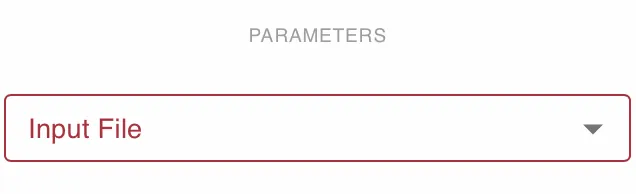
Input File
Set Input File to the CSV file you want to process.
This field is required.
The file must use the MIME type text/csv.
Return Values
Use Error Message to store parsing or validation errors in a text symbol.
Use Select Additional Output to choose the symbols filled for each row.
Each selected symbol should map to one CSV column.
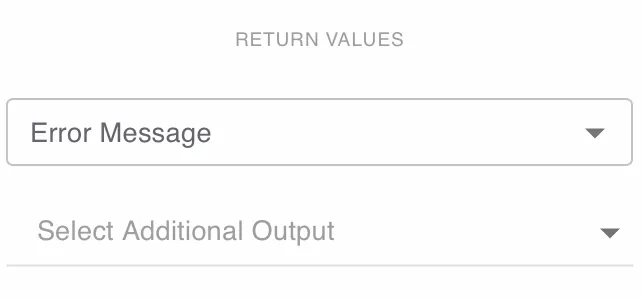
CSV headers must exactly match the symbol keys selected in Select Additional Output.
Details and Delay
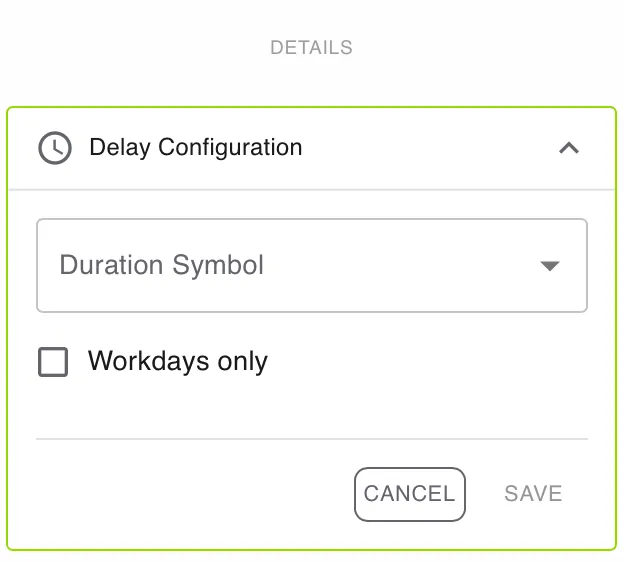
Open DETAILS for advanced settings.
Use Add Delay if the task should become active later.
Enable Workdays only if the delay should ignore weekends and non-working days.
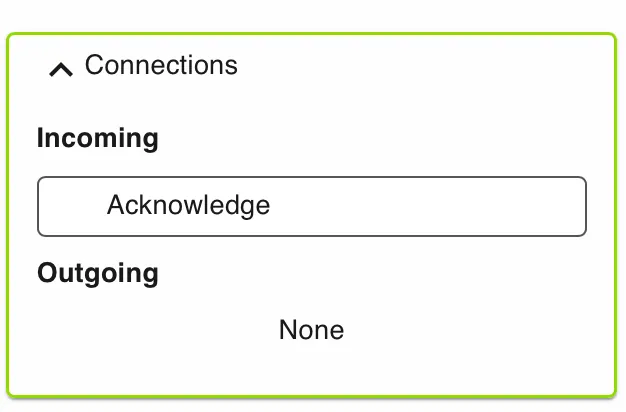
Connections
Use Connections to review incoming and outgoing links for this step.
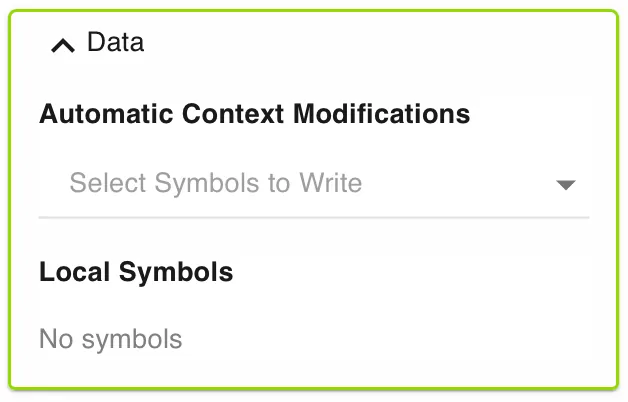
Data
Use Data to manage automatic context modifications and local symbols.
Automatic context modifications update process values when the task is completed.
Local symbols store step-specific values that are only relevant inside this action.
Runtime behavior
Loop over CSV executes automatically.
It does not wait for user input.
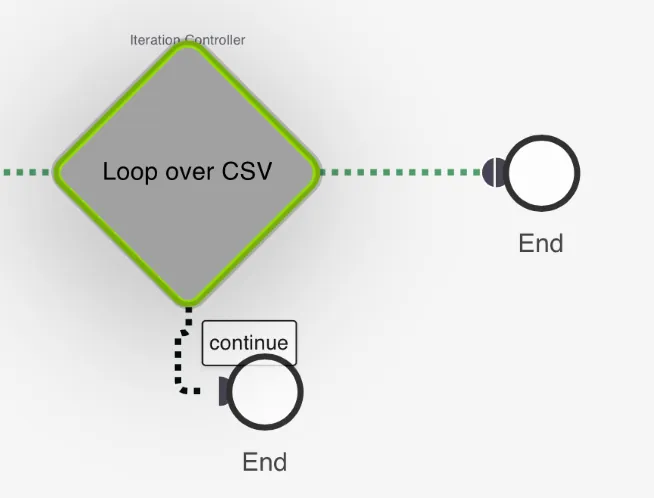
The action exposes three paths:
continueruns once for each valid CSV row.success(green dotted line) runs after the last row is processed.
If an output symbol has type Date, the engine tries to parse the row value as a date.
Best practices
Keep CSV headers stable and predictable.
Match header names to symbol keys before deployment.
Use the continue path for work that should run once per row.
Use success for summary logic after all rows finish.
Use invalid for fallback handling and user-facing error messages.
Use cases
Loop over CSV works well for batch-style processes.
- Bulk onboarding: Create one flow per employee from an uploaded spreadsheet.
- Invoice processing: Generate documents or messages for each billing row.
- Mass notifications: Send updates to contacts listed in a CSV file.
Works well with
- Submit Information (Action) to collect the CSV file.
- Subprocess actions on the
continuepath for row-by-row execution. - Integration steps on the
continuepath for emails, API calls, or exports.