Integrations
Integrations let metamorphOS talk to the outside world.
A connector packages everything needed to reach one external service: the calls it can make (API Calls) and the events it can receive (Webhooks). Once a connector is deployed and connected, your processes can call its functions like any other step.
There are two ways to get a connector:
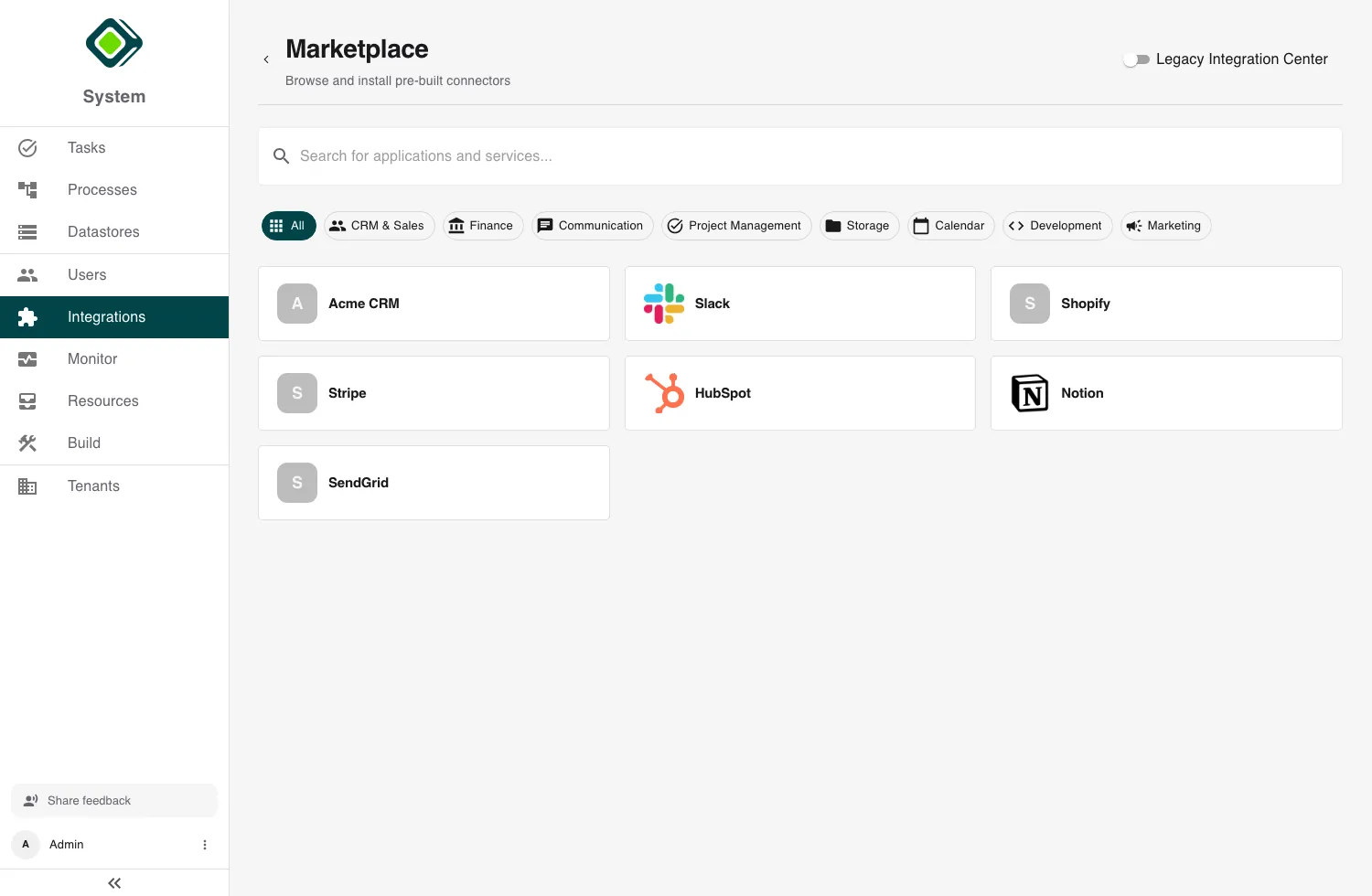
- Marketplace - activate a pre-built connector for a common service.
- Custom - build your own for a proprietary or in-house API.
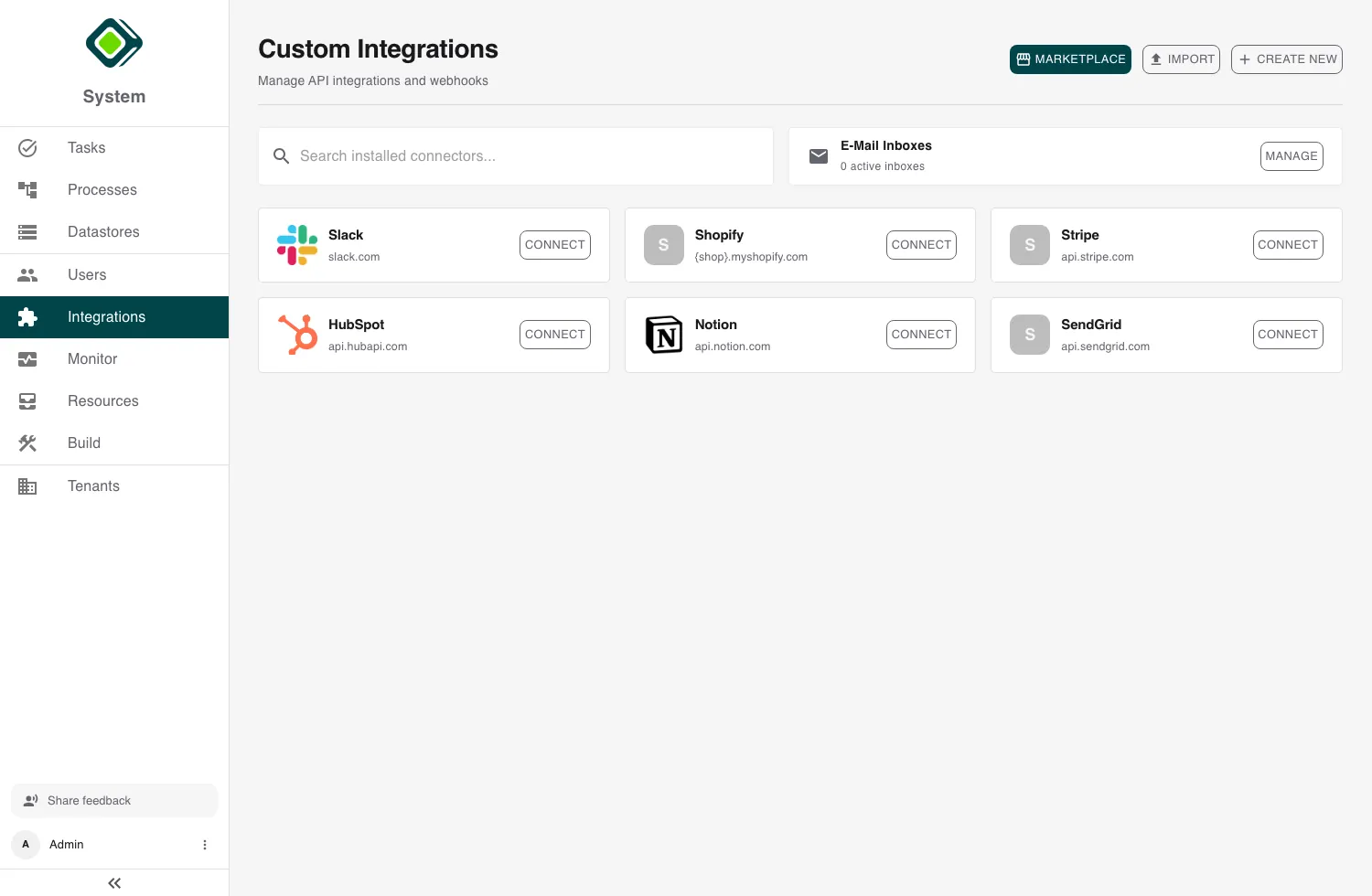
Managing integrations is an admin capability. You’ll find them under Integrations in the dashboard. Standard users don’t configure connectors - they just use the process steps an admin has wired up.
Key concepts
A few terms recur across every guide in this section:
- Connector - the reusable definition of an integration: its base URL, how it authenticates, and the API calls and webhooks it exposes.
- Account (credential) - one authenticated identity on a connector. A connector can hold several accounts - for example a production and a staging account, or one per customer - each with its own secret and settings. One account is the default.
- Secret - the sensitive value behind an account (an API key, a password, OAuth tokens). Secrets are write-only: you enter them once, metamorphOS stores them in its secret manager, and they are never shown again.
The connector lifecycle
Whether you install or build a connector, it follows the same path:
- Create - add it from the marketplace, or build it in the connector editor.
- Save - a new connector starts as a Draft.
- Deploy - publish the draft so its functions become callable.
- Connect - add an account and authenticate it.
A connector’s detail page shows where it is: Draft, Connected,
Not connected, or Error.
In this section
Marketplace Integrations Browse and activate pre-built connectors, and publish your own.
Building Custom Connectors Define a connector from scratch: base URL, authentication, API calls.
Authentication & Credentials Auth types, the OAuth connect flow, and managing multiple accounts.
Inbound Webhooks Receive provider events and use them to trigger processes.
Using Integrations in Processes Add a connector call to a process and choose which account it acts as.
Troubleshooting Fix the common connector, credential, OAuth, and webhook problems.