Launch Subprocess
Launch Subprocess starts another process as a subprocess and lets the parent keep running immediately - it does not wait.
Use it to kick off work that can run alongside the rest of your process, or to fan out several subprocesses at once and join them later.
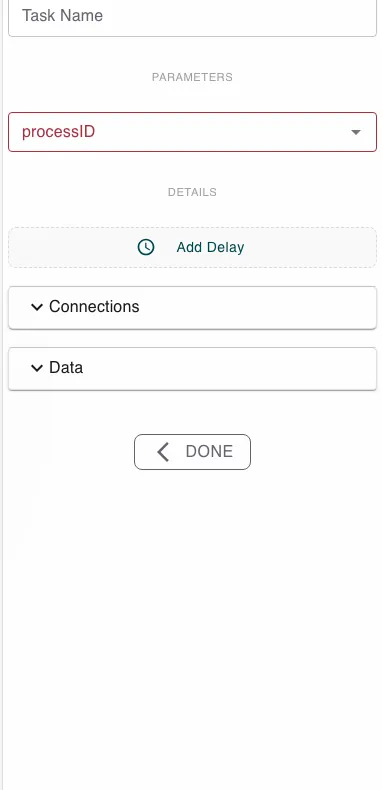
Configure this action in the Builder. See Builder Navigation and Workspace Basics for the surrounding UI.
Configuration
Pick the process to launch. Once you choose one, the step shows that process’s inputs and outputs so you can wire them up:
- Subroutine Parameter - map values from this process into the subprocess’s inputs.
- Subroutine Return Values - map the subprocess’s outputs back into this process’s values.
The results come back through this step’s return mapping, not the Await Subprocess step.
Runtime behavior
Launch Subprocess runs automatically. It starts a new instance of the chosen process with the inputs you mapped, and the parent continues right away without waiting for it to finish.
To wait for the result, follow up with Await Subprocess, or use Launch and Await Subprocess to do both in one step.
Best practices
- Keep reusable logic in its own process and launch it as a subprocess from several parents.
- Launch several subprocesses, then join them with a single Await step to run them in parallel.
Works well with
- Await Subprocess - wait for the launched subprocesses to complete.
- Launch and Await Subprocess - launch and wait in one step.
- Loop over Array - launch a subprocess per item.