Run Script
Run Script executes custom JavaScript inside the process engine.
Use it when built-in actions cannot express the required logic.
Typical uses are transformation, validation, parsing, and calculation.
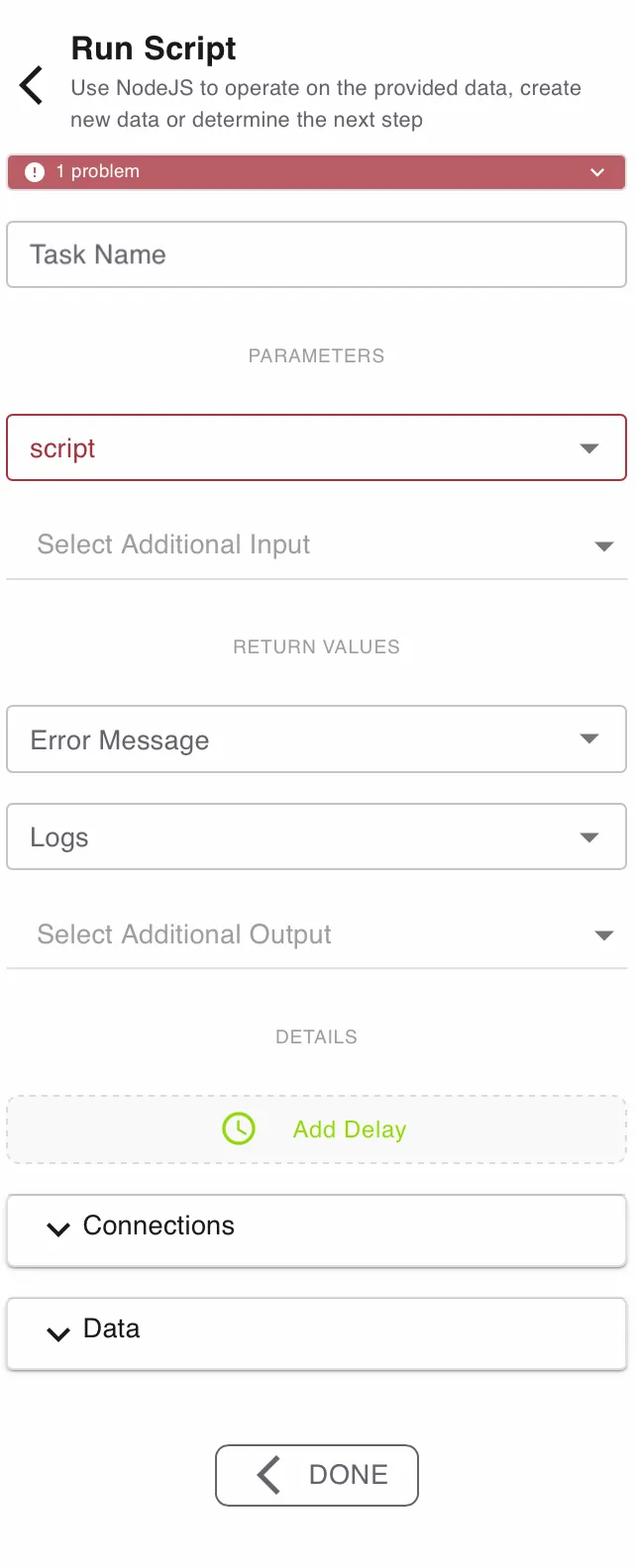
Configure this action in the Builder. See Builder Navigation and Workspace Basics for the surrounding UI.
Status


The current status of the step is shown directly under the Step Type. Specific problems can be seen by expanding the box.
Configuration
Task Name
Use Task Name to give the step a clear label. Run Script is an automatic step - it has no assignee and no user instructions, so the name is purely for you and anyone else reading the process.
Script and Input
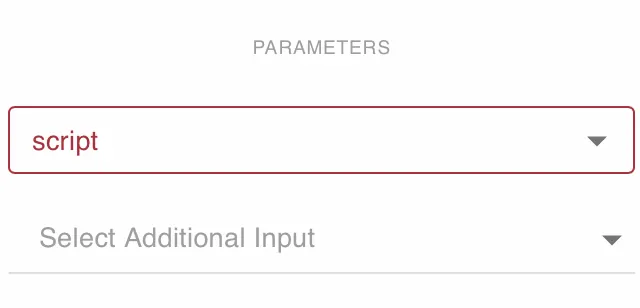
Set script to the .js file the engine should execute.
This field is required.
Use Select Additional Input to pass process symbols into the script.
Map only the values the script actually needs. Each input is available to your script by the symbol’s name, so give your symbols clear names.
Files you pass in are made available to the script in a usable form - for example, a spreadsheet as rows and JSON as an object.
Return Values
Use Error Message to capture script failures in a text symbol.
Use Logs to store execution output in a file symbol.
Use Select Additional Output to map returned values back into process symbols.
Keep output names and types stable when later steps depend on them.
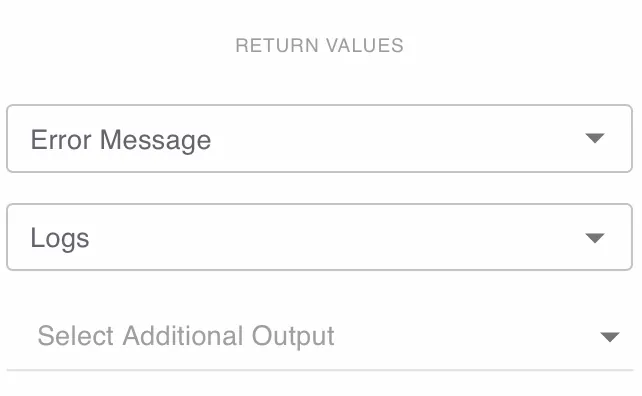
Map Logs and Error Message while testing.
They make sandbox failures much easier to diagnose.
Details and Delay
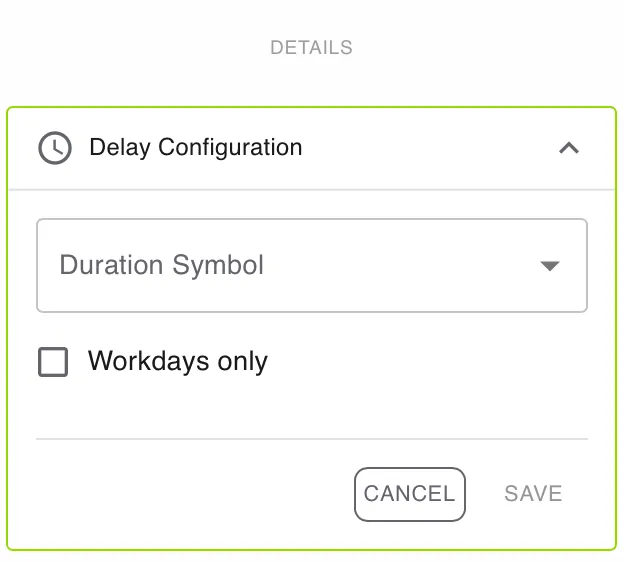
Open DETAILS for advanced settings.
Use Add Delay if the task should become active later.
Enable Workdays only if the delay should ignore weekends and non-working days.
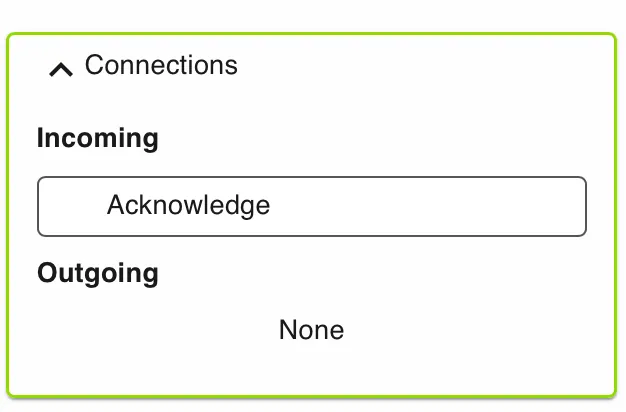
Connections
Use Connections to review incoming and outgoing links for this step.
Data
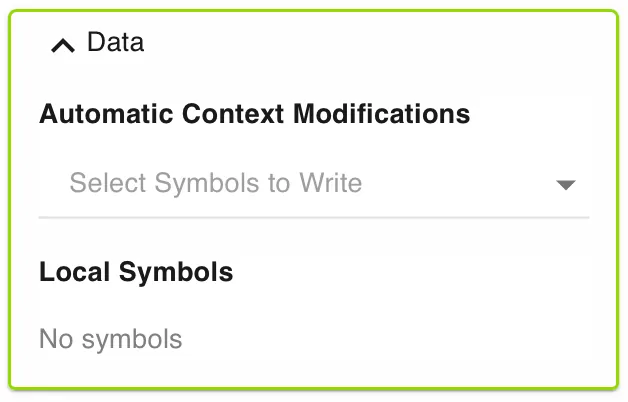
Use Data to manage automatic context modifications and local symbols.
Automatic context modifications update process values when the task is completed.
Local symbols store step-specific values that are only relevant inside this action.
Runtime behavior
Run Script executes automatically.
It does not wait for user input.
It reads the inputs you mapped, runs your script, and writes the outputs back into the process. Execution output is captured and can be mapped through Logs.
Inputs, outputs, and limits
- Inputs you map under Select Additional Input are available to your script by the symbol’s name. Files are made available in a usable form (for example, a spreadsheet as rows, JSON as an object).
- Outputs are returned by mapping them under Select Additional Output. Anything you don’t map back is not kept.
- Errors and logs: fail the step by throwing an error - the message is captured in Error Message. Anything you log is captured in Logs. From any step you can route an error path to handle a failure.
- No external access: a script can’t call other services or reach the network directly. Do any integration call before the script and pass the result in.
- Keep it quick: scripts are meant for fast, in-process transformation, not long-running work.
Best practices
Keep scripts small and deterministic.
Prefer explicit input and output mappings.
Validate edge cases inside the script.
Use logs while developing and testing.
Return structured output when later steps depend on fixed fields.
Use cases
Run Script works well for advanced data handling.
- Data cleanup: Normalize dates, phone numbers, or IDs.
- Scoring: Calculate totals, weights, or risk values.
- Payload shaping: Flatten nested API responses for later actions.
- File parsing: Convert structured files into symbols for routing.
Works well with
- Submit Information (Action) to collect raw data or files before transformation.
- Loop over Array to process each item after the script prepares the data.
- Conditional Branching to route by a calculated result.
- Push to Array to collect transformed results across multiple cycles.