Loop over Array
Loop over Array processes one array item at a time.
Each iteration sends execution through the loop path.
Use it when the same logic must run for every item in a list.
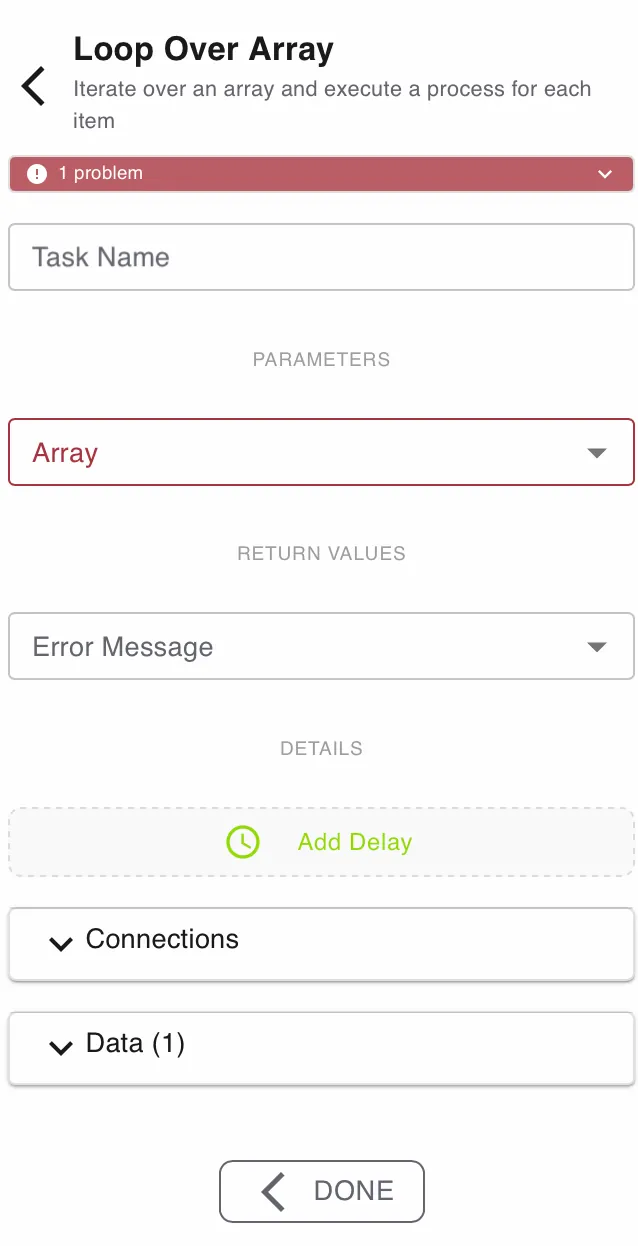
Configure this action in the Builder. See Builder Navigation and Workspace Basics for the surrounding UI.
Status


The current status of the step is shown directly under the Step Type. Specific problems can be seen by expanding the box.
Configuration
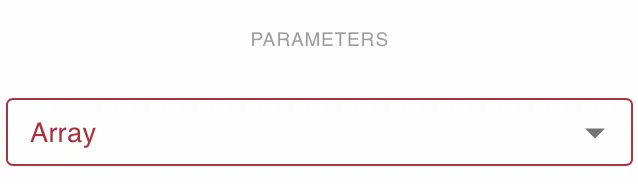
Array
Set Array to the array symbol you want to iterate over.
This field is required.
Each item is processed in sequence.
Use an array symbol with a stable item structure when later steps expect fixed fields.
Return Values
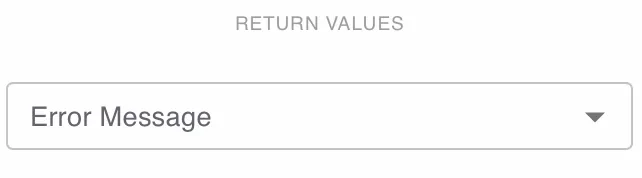
Use Error Message to capture evaluation or iteration errors in a text symbol.
Use the loop output to expose the current item for downstream steps.
This is useful when each array entry must be transformed, validated, or routed separately.
If the array is empty, the loop path does not run. Use the success path for logic that should run after iteration finishes.
Details and Delay
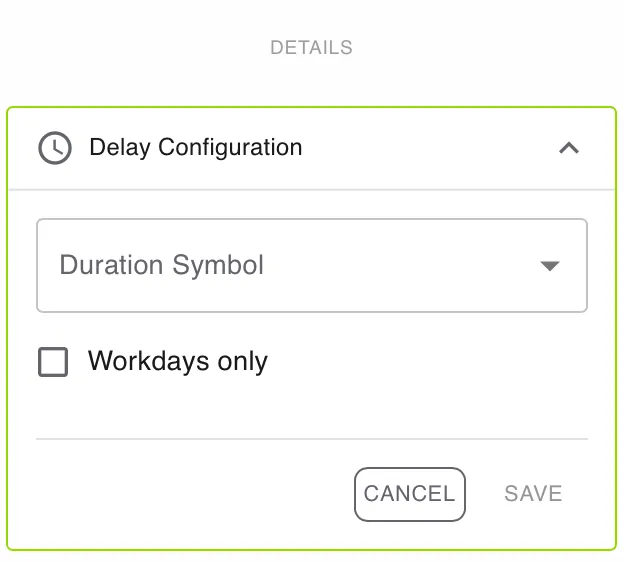
Open DETAILS for advanced settings.
Use Add Delay if the task should become active later.
Enable Workdays only if the delay should ignore weekends and non-working days.
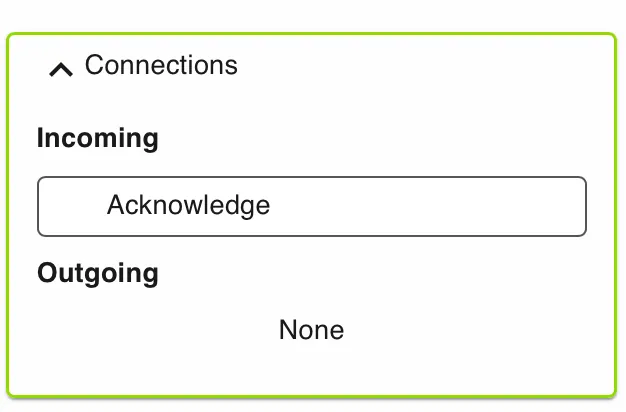
Connections
Use Connections to review incoming and outgoing links for this step.
Data
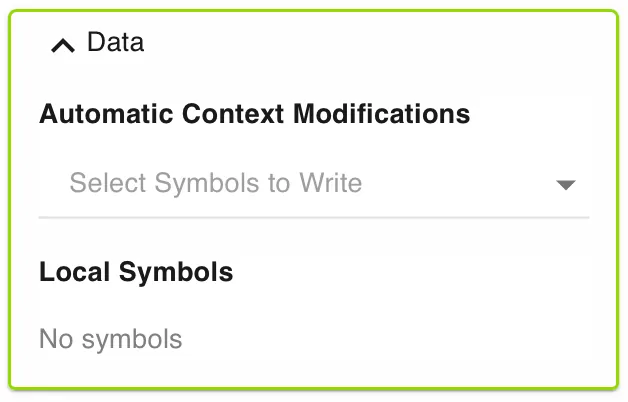
Use Data to manage automatic context modifications and local symbols.
Automatic context modifications update process values when the task is completed.
Local symbols store step-specific values that are only relevant inside this action.
Use local symbols or automatic context modifications to make the current array item available to later steps in the loop.
Runtime behavior
Loop over Array runs automatically.
It does not wait for user input.
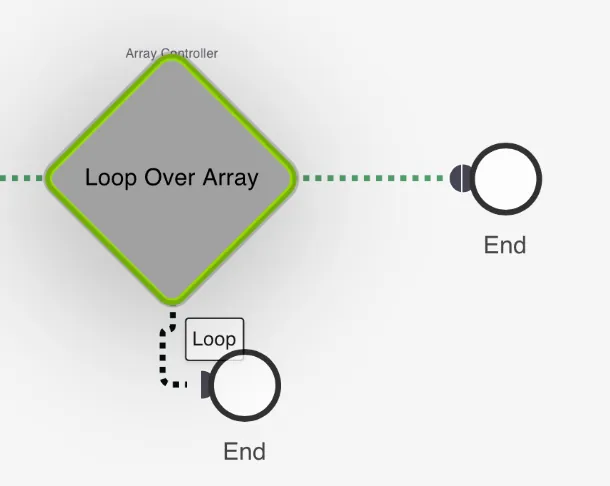
The action exposes three paths:
continueruns once for each array item.successruns after the last item is processed.invalidruns if the array cannot be evaluated or iteration fails. This is visibile when Error Handling is toggled on.
The engine tracks the current index internally between cycles.
Best practices
Keep array items consistent in structure.
Map the current item into symbols before complex downstream logic.
Use the continue path for per-item work.
Use the success path for summary logic after all items finish.
Use the invalid path for fallback handling and clear error messages.
Use cases
Loop over Array works well for repeated processing over dynamic data.
- Reviewer assignment: Create one approval task per reviewer in an array.
- Line item handling: Process each invoice or order entry separately.
- Batch integrations: Call an external system once for every ID in a list.
Works well with
- Run Script to transform each item before the next step.
- Launch Subprocess to process each item in isolation.
- Push to Array to collect per-item results.