Marketplace Integrations
The marketplace is a catalog of ready-made connectors for common services. Open Integrations and switch to Marketplace to browse it - instead of building a connector yourself, you activate one that already exists, connect an account, and start using its functions in your processes.
If you’ve built a connector worth sharing, you can publish it so other tenants can install it too.
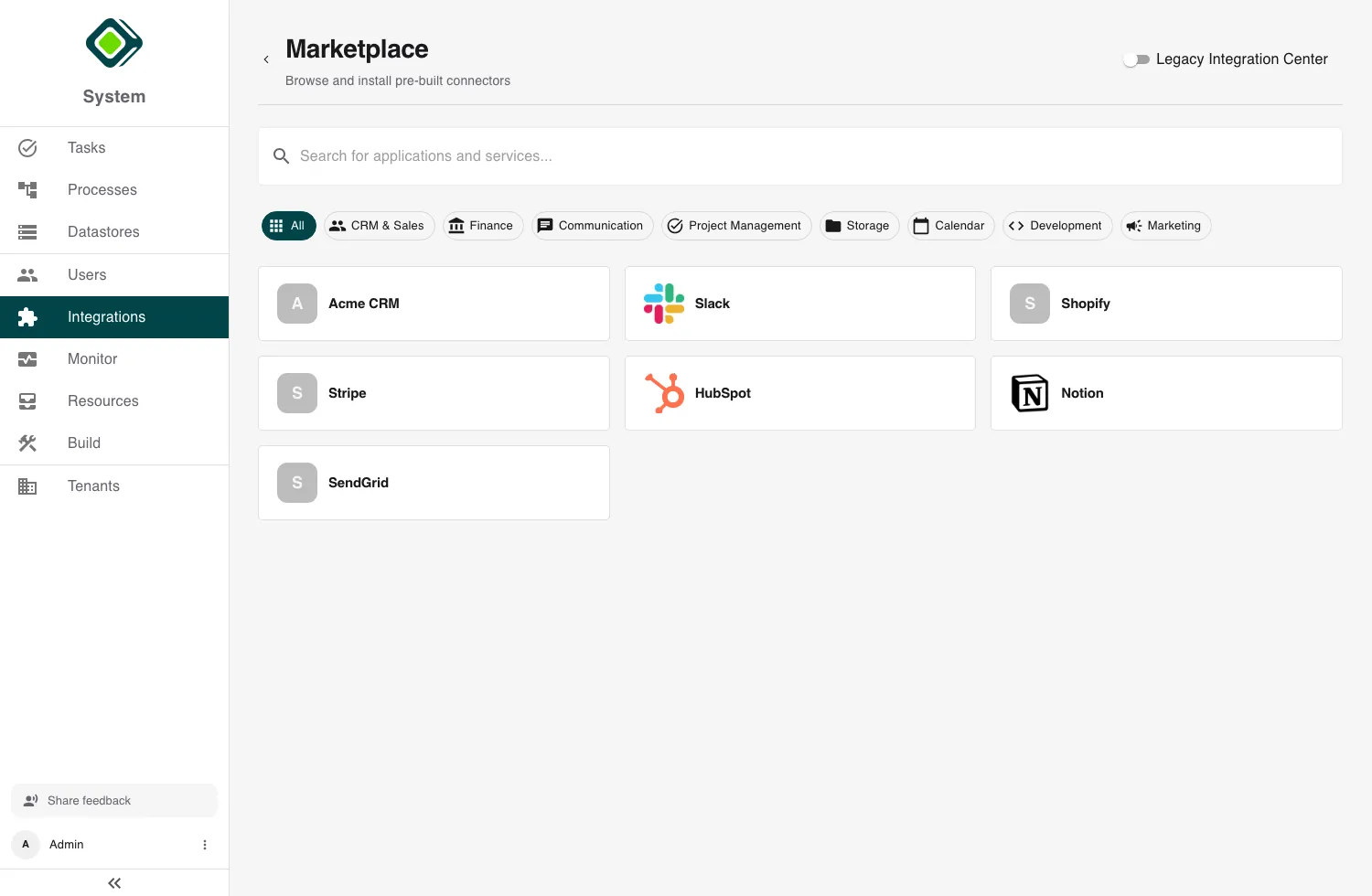
Finding a connector
The Marketplace view searches across name, description, and tags - type into Search for applications and services…, or narrow by category (CRM & Sales, Finance, Communication, Storage, Calendar, and so on).
Each card shows the connector’s name, category, and publisher. A connector you have already activated is marked Owned; one with a newer version available shows an Update badge. Connectors you haven’t installed reveal an Add button.
Open a card to see its full detail page: what it does, the API Calls and Webhooks it ships, its supported auth types, and its publisher and version.
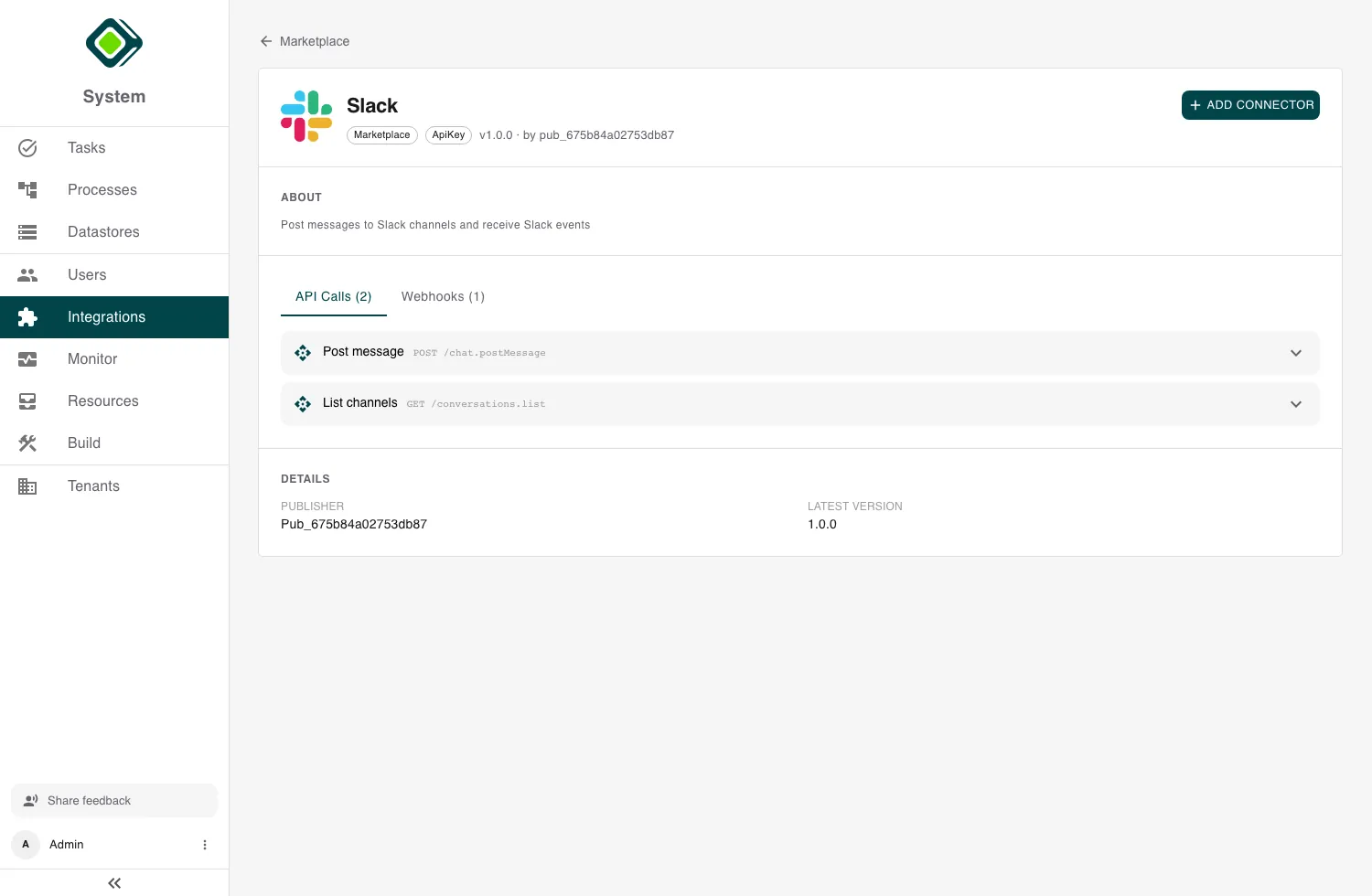
Before you install: the setup guide
Most connectors need something prepared on the provider’s side before they work - an API key, an OAuth app with the right redirect and scopes, or a webhook with a signing secret.
When the publisher has provided one, a Setup guide link appears in the connector’s Details. Read it first: it’s the publisher’s step-by-step instructions for exactly what to prepare on the provider side and which values you’ll need to bring across.
The setup guide is specific to that connector and that provider. It’s the single biggest factor in whether activation goes smoothly - open it before you click Add connector.
Activating a connector
On the connector’s marketplace detail page, click Add connector. metamorphOS installs it into your tenant and deploys it; the card briefly shows Deploying and then the connector appears under Custom Integrations alongside any connectors you’ve built.
For most connectors that’s all the activation step needs. OAuth connectors come in two flavours, which changes what you do next:
- Managed - the publisher operates the OAuth app for you. There’s nothing to register on the provider side and no client ID or secret to enter; you go straight to connecting an account.
- Client (bring your own app) - you register your own app with the provider (the setup guide covers this) and supply its details when you connect. A connector that requires this is marked accordingly in the catalog.
After activation, finish the job on the connector’s detail page: add an account and authenticate it. See Authentication & Credentials. If the connector receives provider events, also set its webhook signing secret - see Inbound Webhooks.
Keeping a connector up to date
When the publisher releases a newer version, the connector shows an Update badge in the marketplace. Activating it again installs the newer definition - your accounts, secrets, and settings are kept. The connector’s Details section always shows the Installed version so you can compare it against the catalog if behavior ever looks off.
Removing a connector
Open the connector’s detail page, use the menu, and choose Remove. Any process step that still calls one of its functions will error the next time it runs, so migrate or remove those steps first.
Publishing your own connector
Built a connector other teams could use? Publish it to the marketplace from its detail page menu (Publish).
- The connector must already be deployed and have at least one function.
- Only the definition and functions are published - your accounts, secrets, and runtime status are never shared.
- Set a Setup guide URL so installers know what to prepare on the provider side. Republishing keeps the previous link unless you change it.
- For OAuth connectors, your configured OAuth app can serve as the managed app for installers: they connect through it without ever seeing your client secret. If you don’t provide one, installers bring their own app.
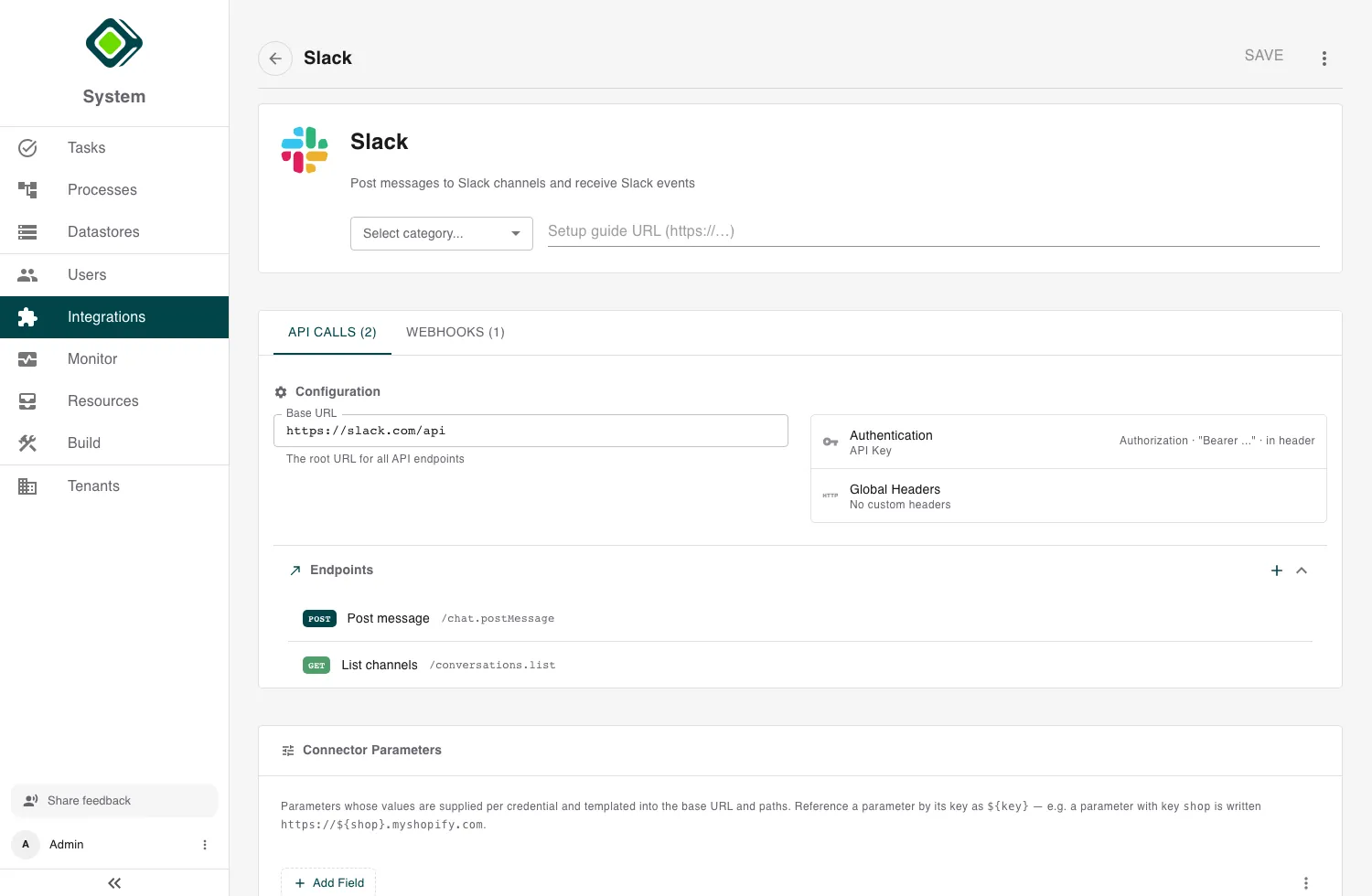
Publisher checklist. Give the connector a clear name, description, category, and tags - that’s all the catalog search has to work with. Write a real setup guide covering the provider-side app, redirect URI, scopes, and webhook secret. Then test the whole loop in your own tenant - connect an account, call each function, deliver a test webhook - before you publish.
Related
- Building Custom Connectors - build the connector you’ll publish.
- Authentication & Credentials - connect an account after installing.
- Inbound Webhooks - receive provider events.
- Troubleshooting - when activation or connection misbehaves.