Conditional Branching
Conditional Branching evaluates filter logic against the current process context.
Use it for binary routing.
The step sends execution to success or failure.
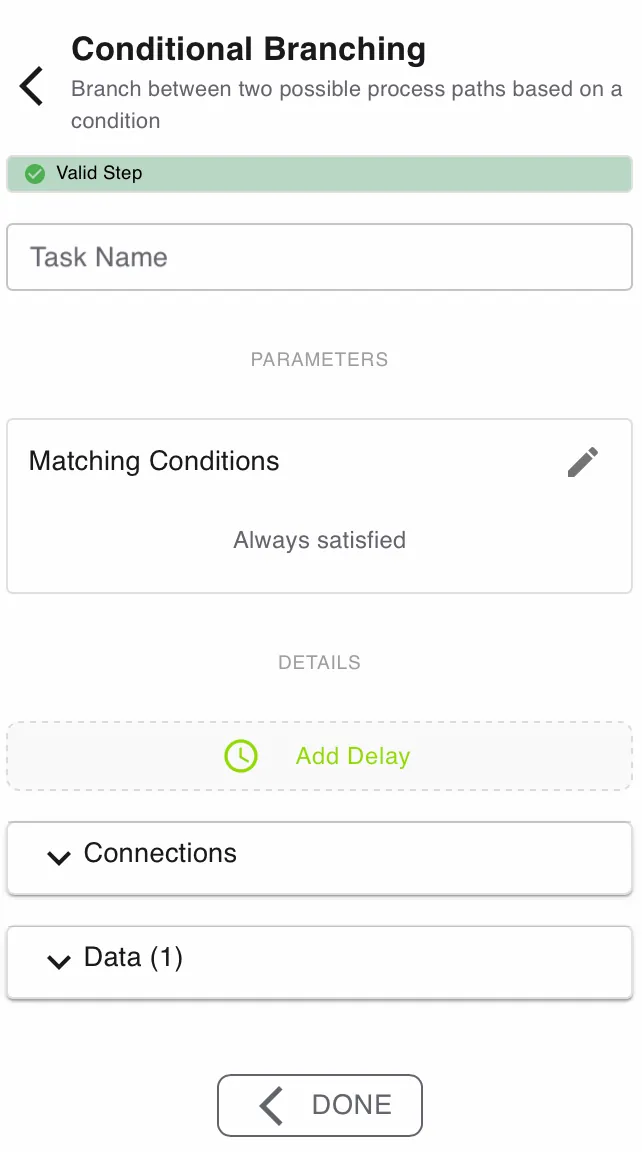
Configure this action in the Builder. See Builder Navigation and Workspace Basics for the surrounding UI.
Status


The current status of the step is shown directly under the Step Type. Specific problems can be seen by expanding the box.
Configuration
Matching Conditions
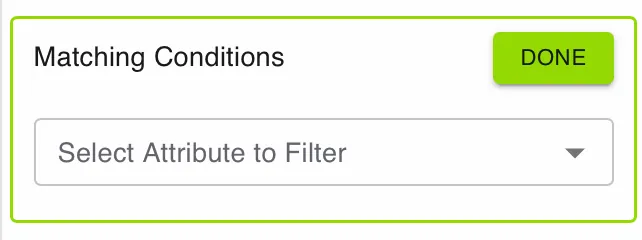
Set Matching Conditions to the rules that decide the branch.
Click the edit icon to open the filter builder.
Each rule defines:
- the attribute to evaluate
- the operator to apply
- the value to compare against
You can combine rules into nested logic groups.
If no rule is set, the condition is always satisfied.
Always connect a failure path when the process must handle unmet conditions gracefully.
Details and Delay
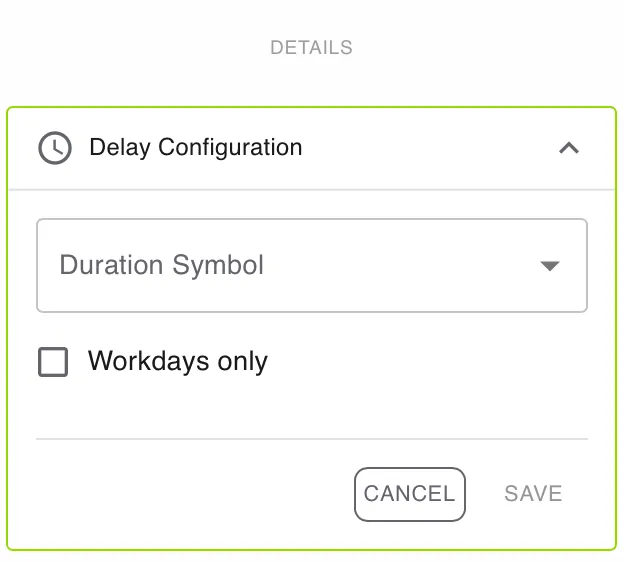
Open DETAILS for advanced settings.
Use Add Delay if the task should become active later.
Enable Workdays only if the delay should ignore weekends and non-working days.
Connections
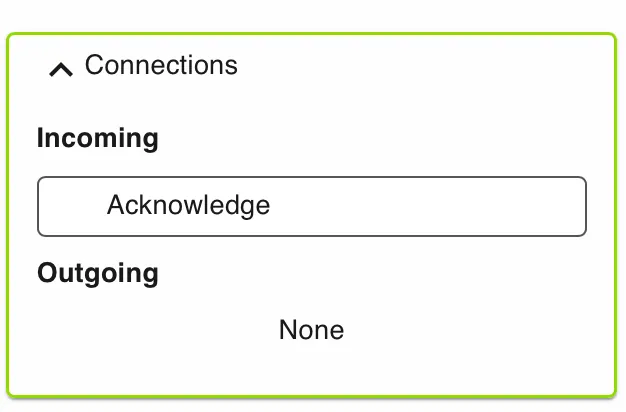
Use Connections to review incoming and outgoing links for this step.
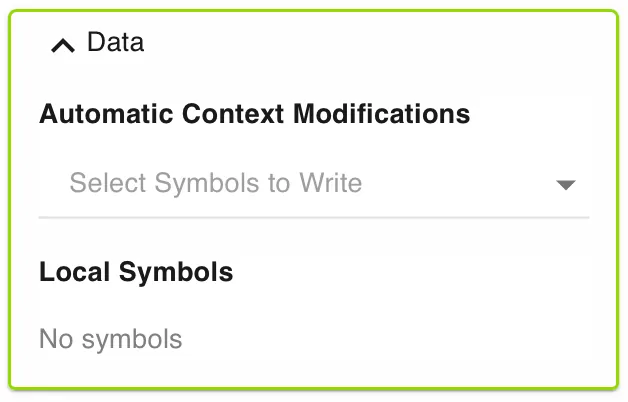
Data
Use Data to manage automatic context modifications and local symbols.
Automatic context modifications update process values when the task is completed.
Local symbols store step-specific values that are only relevant inside this action.
Runtime behavior
Conditional Branching runs automatically.
It does not wait for user input.
The engine evaluates the configured filter against the available symbols.
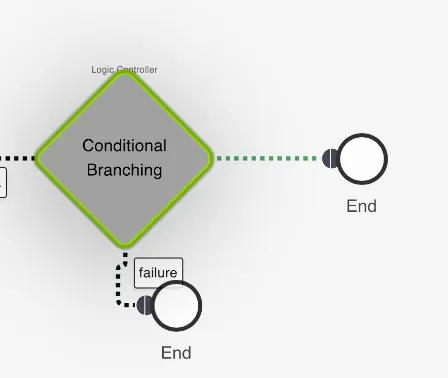
If the filter passes, the step emits success.
If the filter fails, the step emits failure.
On failure, the engine also sets the internal message Conditions not satisfied.
Best practices
Keep conditions simple and readable.
Break very complex logic into multiple steps.
Use stable symbol types and predictable values.
Use Match Case when one value must route to many named branches.
Use Conditional Branching when you only need a true or false split.
Use cases
Conditional Branching works well for rule-based routing.
- Auto-approvals: Skip manual review when an amount is below a threshold.
- Compliance checks: Continue only when a KYC status is
Verified. - Priority routing: Send enterprise customers to a dedicated flow.
- Required data checks: Stop or reroute when key values are missing.
Works well with
- Submit Information (Action) to collect the data used in the condition.
- Match Case when a later step needs multi-path routing.
- Deciding between Conditional Branching and Match Case for design guidance.