Data Operations (Actions)
Data Operations actions shape and manage data as a process runs.
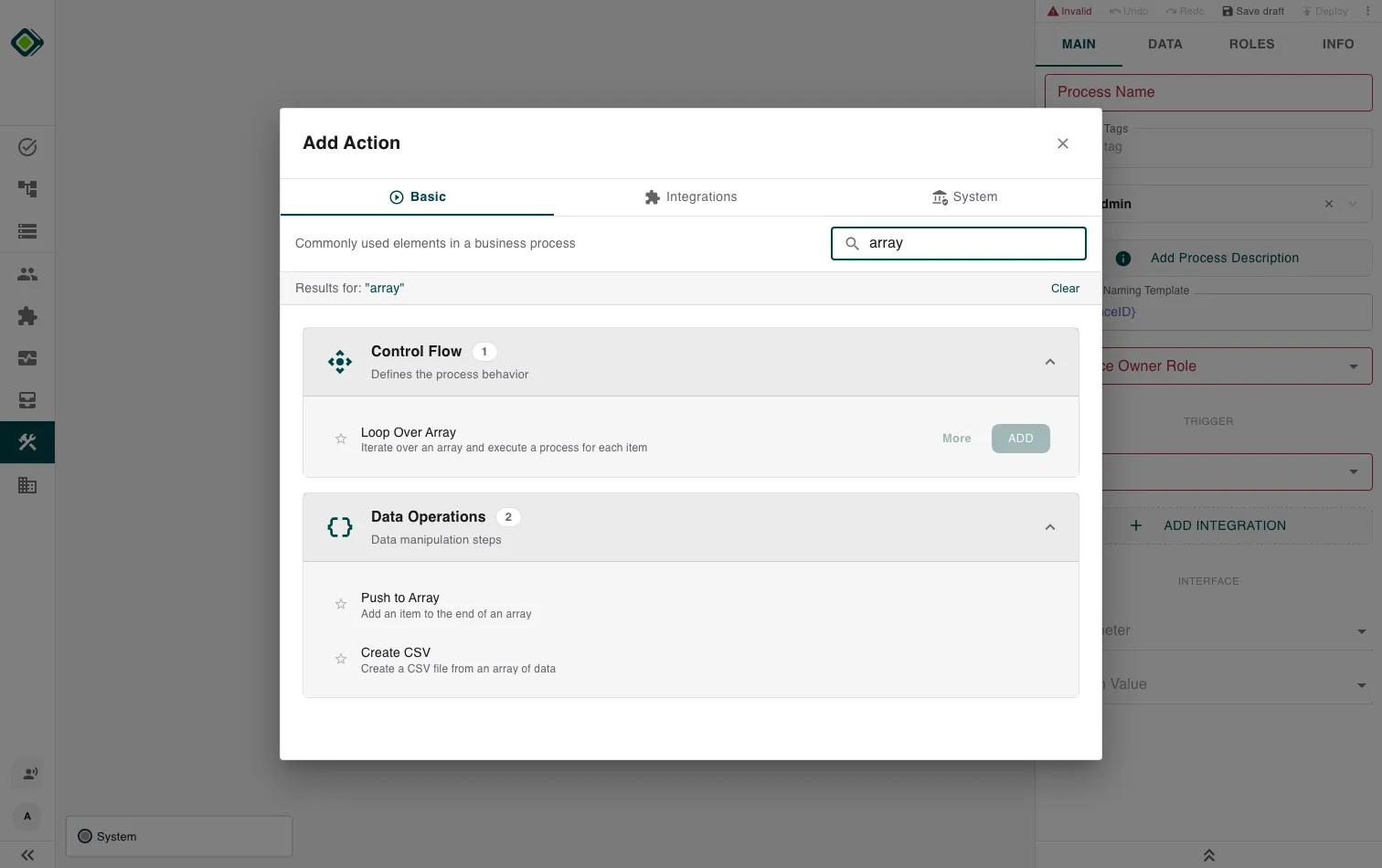
Use them to build up an array item by item, clear variables back to their defaults, turn an array into a downloadable CSV file, or hold a place in the flow with a step that does nothing on its own.
These are lightweight, automatic steps - they run without waiting for a person and slot in wherever you need to move or tidy data between other actions.
Note
Configure these actions in the Builder. See Builder Navigation and Workspace Basics for the surrounding UI.
Subpages
- Push to Array - Append an item to the end of an array and write the result back to the same symbol.
- Reset Variables - Set the variables you map as outputs back to the default value for their type.
- Create CSV - Turn an array of structured items into a downloadable CSV file.
- No Operation - A step that does nothing on its own - use it as a placeholder or a join point.
Related
- Mapping & Selection - how steps read and write the variables these actions work on.
- Data Configuration Tab - where you wire each step’s inputs and outputs.
- Control Flow - loop over data and branch on it.
Last updated on