No Operation
No Operation is a step that does nothing on its own.
It takes no inputs and produces no results - it simply passes execution straight through to the next step.
Use it as a placeholder while you are still building a process, as a single point where several paths come back together, or as a quiet anchor in the flow where you only need a step to map one variable onto another.
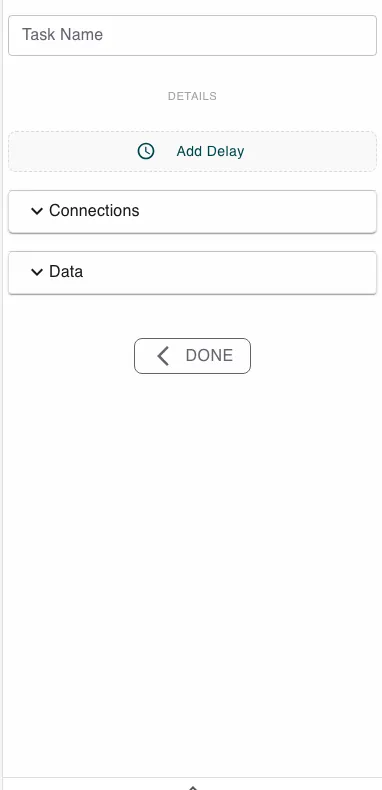
Configure this action in the Builder. See Builder Navigation and Workspace Basics for the surrounding UI.
Configuration
There is nothing to configure on the action itself. The step is valid as soon as you add it.
If you want it to carry data, map a variable as both an input and an output through the Data section - the value you read in is written straight back out, which is a tidy way to copy one variable onto another.
Runtime behavior
No Operation runs automatically and completes immediately. It has no logical branch of its own - its normal outcome is success, and execution continues to the next step.
Best practices
Reach for No Operation when you need a step in a particular place but no real work belongs there - a clean join point reads better than routing several paths into an unrelated action.
Replace it with a real action once you know what the step should do; it is meant as scaffolding, not a permanent fixture.
Use cases
- A join point: Bring several branches back together at one step before the process continues.
- A placeholder: Hold a spot in the flow while you design the rest of the process.
- A simple copy: Map a variable in and out to move a value from one symbol to another.
Works well with
- Match Case to give every branch a clean place to rejoin.
- Conditional Branching to anchor a path that needs no other work.